July 2024
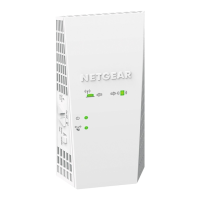
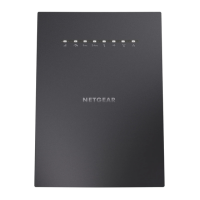
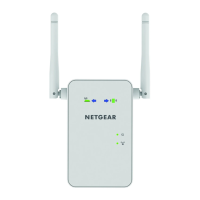
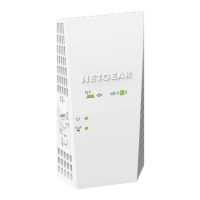
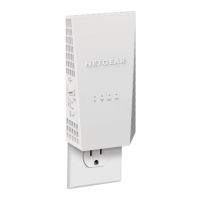
Overview
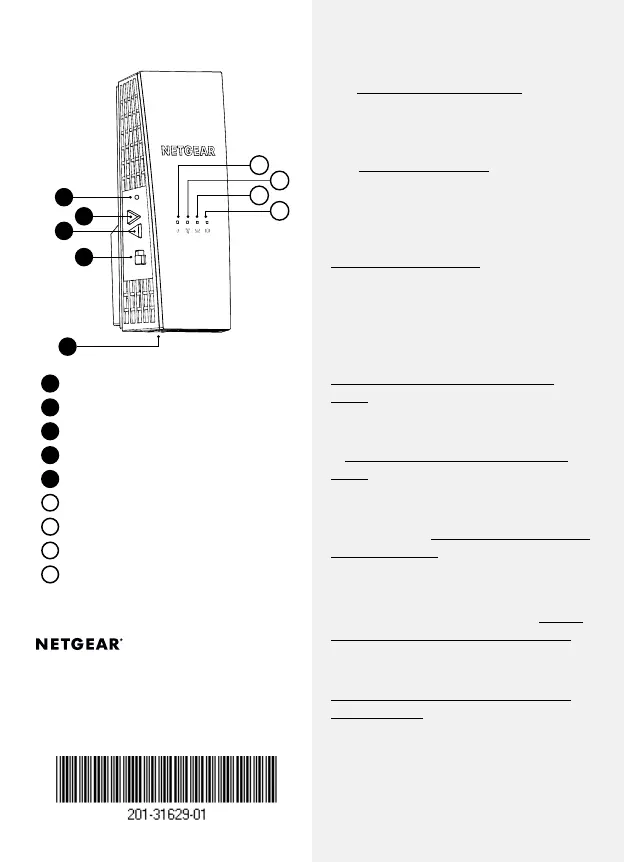
Factory Reset button
Power On/Off button
WPS button
Access Point/Extender switch
Ethernet port
Power LED
WPS LED
Router Link LED
Client Link LED
Support and Community
Visit netgear.com/support to get your
questions answered and access the latest
downloads.
You can also check out our NETGEAR
Community for helpful advice at
community.netgear.com.
Si ce produit est vendu au Canada, vous
pouvez accéder à ce document en français
canadien à
http://downloadcenter.netgear.com/
other/
.
(If this product is sold in Canada, you can
access this document in Canadian French
at
http://downloadcenter.netgear.com/
other/
.)
For regulatory compliance information
including the EU Declaration of
Conformity, visit
https://www.netgear.com/
about/regulatory/
.
See the regulatory compliance document
before connecting the power supply.
For NETGEAR’s Privacy Policy, visit https://
www.netgear.com/about/privacy-policy.
By using this device, you are agreeing
to NETGEAR’s Terms and Conditions at
https://www.netgear.com/about/terms-
and-conditions. If you do not agree, return
the device to your place of purchase within
your return period.
Regulatory and Legal
Troubleshooting
If you need help with the installation,
visit netgear.com/extenderhelp for more
information.
© NETGEAR, Inc., NETGEAR and the NETGEAR
Logo are trademarks of NETGEAR, Inc. Any
non-NETGEAR trademarks are used for
reference purposes only.
NETGEAR, Inc.
350 East Plumeria Drive
San Jose, CA 95134, USA
NETGEAR INTERNATIONAL LTD
Floor 6, Penrose Two, Penrose
Dock, Cork, T23 YY09, Ireland
2
3
4
1
E
A
C
B
D




 To Previous Page