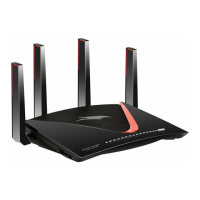
Unpack your router
Your package contains the router, an Ethernet cable, and the power adapter (the type
varies by region).
Figure 1. Package contents
Front panel LEDs and buttons
The status LEDs and two buttons are located on the front panel of the router.
User Manual13Hardware Setup
Nighthawk WiFi 7 Tri-Band Router Model RS300, Model RS280, Model BE9300



 To Next Page
 Loading...