Quick Tour of my.VueZone.com
16
VueZone System
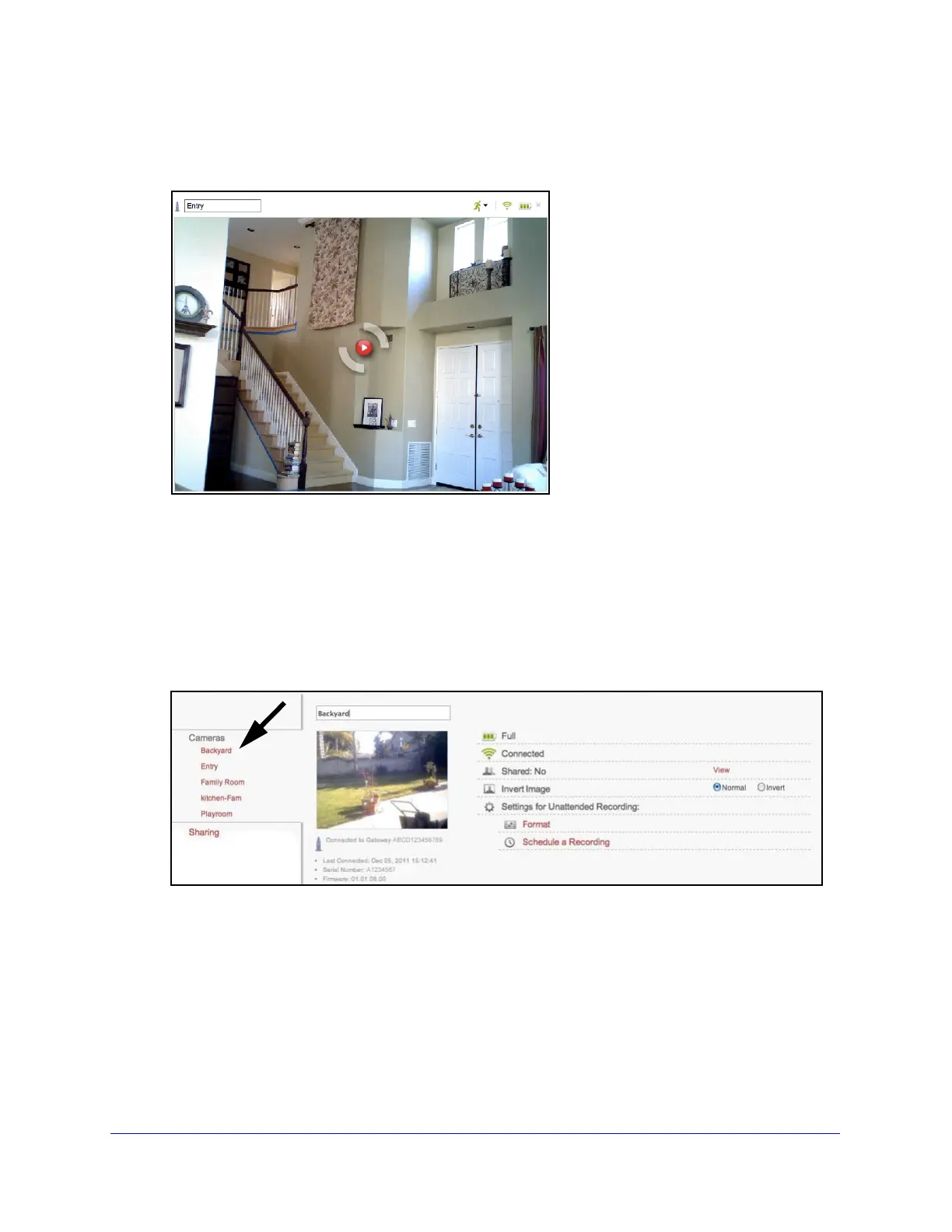
To rename a camera from the Camera tab:
1 Double-click the camera name.
2 Type a new name.
Camera names are limited to 13 characters, no spaces.
3 Click out
side the field.
The new name is saved automatically.
To rename a camera from the Settings tab:
1 On
the Settings tab, click a camera name in the Cameras section in the left column.
2 Type the new camera name in the field.
The name is saved automatically. When you click anot
her tab or link, the name change is shown.



 To Next Page