ADSL2+ Modem Router User Manual
20
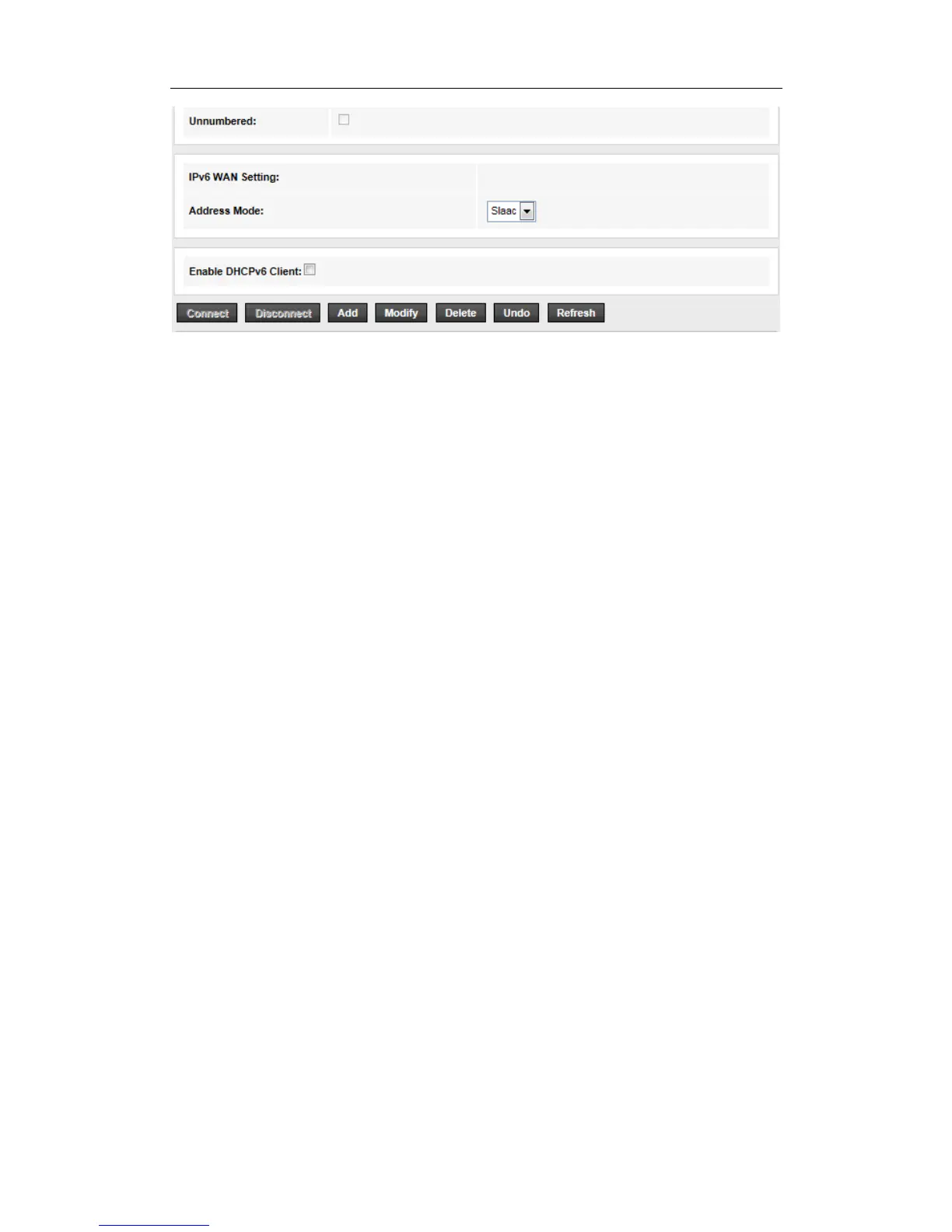
VPI/VCI: enter the VPI/VCI provided by your ISP.
Channel Mode: Select “1483 MER”.
WAN IP Settings: set “Type” as Fixed IP
Default Route: Enable
Then click the “Add” button to setup a new connection,when the connection is setup, you can
see the router will obtain an IP address.
Note: Each IP address entered in the fields must be in the appropriate IP form, which is four IP
octets separated by a dot (x.x.x.x), such as 192.168.1.100. The Router will not accept the IP
address if it is not in this format.
3. PPPoE/PPPoA
If your means of access to the Internet is “ADSL virtual dial-up” mode, enter the username and
password the ISP provide to your account, and choose the type of PPP connection.


 To Next Page