NH-310C HPNA3.1 over Coaxial Cable (HCNA) End Point USER’S MANUAL Ver. A7
7
2.2 LED indicators
At a quick glance of the front panel, it will be easy to tell if the modem has power, signal from its 2 Ethernet RJ-45 port, its
HCNA coaxial connector and high / low line speed quality.
Front Indicators
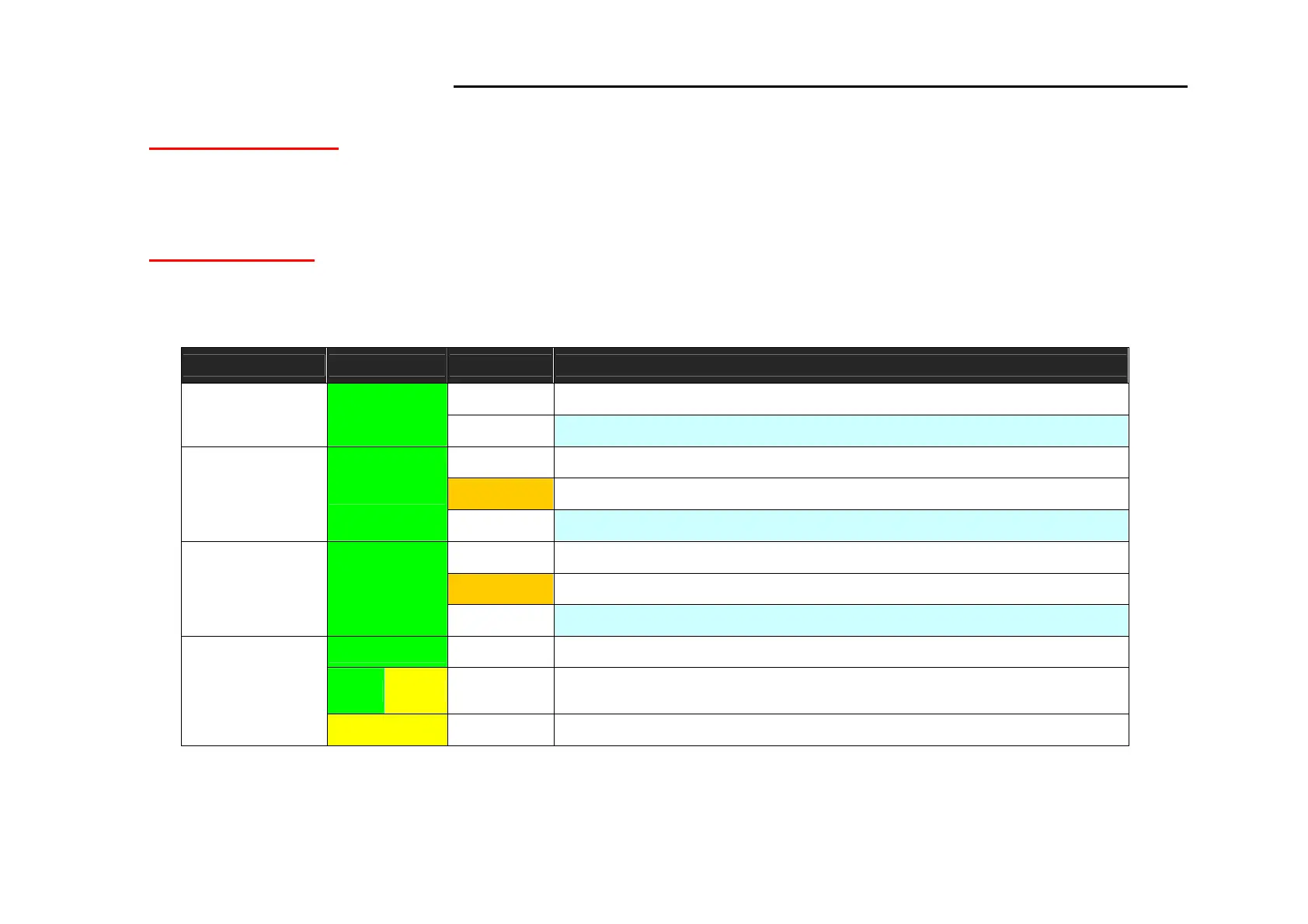
The end point has Six LED indicators. The following Table shows the description. (Table 2-1)
Table 2-1: LED Indicators Description and Operation
LEDs Color Status Descriptions
On HCNA system power good and also functioning properly.
Power Green
Off HCNA is not ready or has malfunctioned.
On Ethernet link is up.
Blinking Transmit or receive activity.
LAN1 & LAN2
(Ethernet LED)
Green
Off Ethernet link is down.
On HCNA is link to another HCNA pair.
Blinking Transmit or receive activity.
HCNA
(HCNA LED)
Green
Off HCNA is not connected.
Green On Actual line rate is > 80Mbps for upstream and downstream line rate.
Yellow
On
Actual line rate is 64Mbps ≦
≦≦
≦ X ≧
≧≧
≧ 32Mbps for upstream and
downstream line rate.
Line Speed
(HCNA LED)
Yellow On Actual line rate is < 32Mbps for upstream and downstream line rate.



 To Next Page