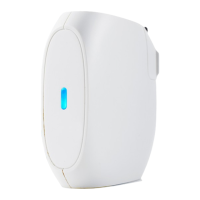
Need help?
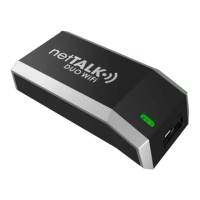
Do you have a question about the NetTalk Duo wifi and is the answer not in the manual?
Connect the DUO Wi-Fi to a power source using the provided USB cable and adapter.
Use a paper clip or similar sharp object to press the reset button next to the USB/power socket five times.
Observe the DUO Wi-Fi's indicator light for a specific blinking pattern of orange and red lights.
Scan for and connect to the netTALK- network from your computer's available wireless networks.
Enter the specific password '71794a2139', ensuring the letter 'a' is lowercase.
Launch a web browser on your computer to access the DUO Wi-Fi's configuration interface.
Navigate to the DUO Wi-Fi web page by entering '192.168.0.1' in the browser's address bar.
Configure your wireless router's security settings to ensure compatibility with the DUO Wi-Fi device.
 General
| Brand | NetTalk |
|---|---|
| Model | Duo wifi |
| Category | Wireless Router |
| Language | English |

 To Next Page