Getting Started
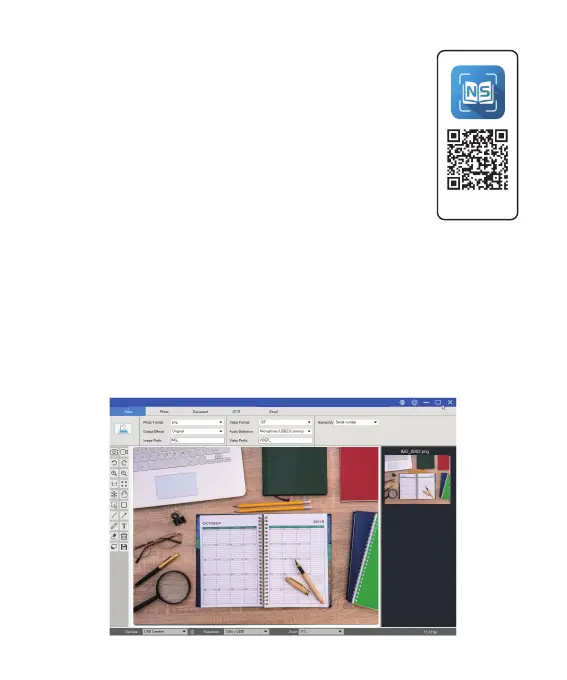
1. Scan QR code or use below link to download
the NetumScan Pro Software.
https://www.netum.net/pages/netumscan-docu
ment-camera-setup-guide
2. To start the program, please double click on the
NetumScan Pro Software icon on the desktop or
click Start Menu Windows icon then [ All apps ] to
select NetumScan Pro Software.
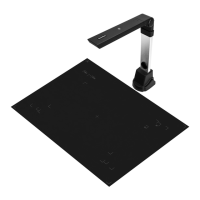
3. Place a document on the position pad and align to position mark.
4. Select one of the function to scan your material from the main
menu. You can make changes for your preferences in the settings
menu and then click [ Scan ] button for scan a document .
SD-3000NCNetumScan
Download
(3)



 To Next Page