
 Need help?
Do you have a question about the Netvue Vigil 2 and is the answer not in the manual?
Locate optimal placement for the camera, considering height and visibility for better audio.
Mark hole positions using the template and install anchors for secure mounting.
Connect the Ethernet cable using a weatherproof tube to the camera's Ethernet port.
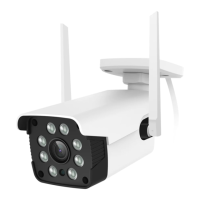
Loosen the thread ring to adjust the camera's viewing direction 360° horizontally and 100° vertically.
 General
| Resolution | 1080p |
|---|---|
| Audio | Two-way audio |
| Weatherproof | IP65 |
| Motion Detection | Yes |
| Connectivity | Wi-Fi |
| Storage | MicroSD card (up to 128GB), Cloud storage |
| Field of View | 130 degrees |

 To Next Page