How to Inse
rtMicro SD
Card
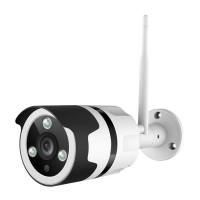
Vigil Camera comes with a built-in card slot which supports up to 128GB
MicroSD card. Once you insert the storagecard, the camera will automati-
callystart to recordand storevideoson the storagecard.Videos can be
replayed by dragging the timeline below the live feed screenin Netvue App.
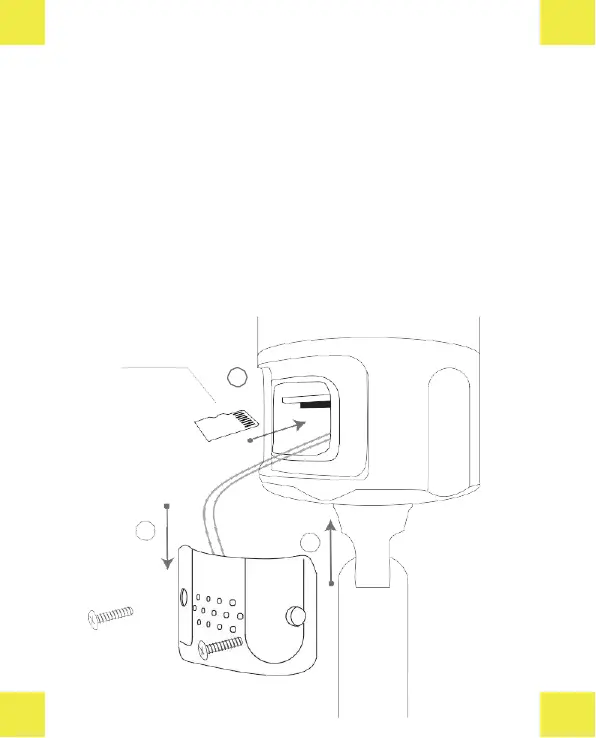
Step 1: Loosen thescrews.Take off thecovergently sincewiresare attachingtoit.
Step 2: Insert Micro SD card. Make sure you insert it in the correct direction. The
back of the card should face up.
Step 3: Put the cover back and tighten the screws.


 To Next Page