Need help?
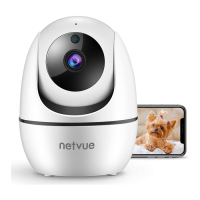
Do you have a question about the Netvue Vigil and is the answer not in the manual?
Details on using Wi-Fi to connect the camera.
Instructions for establishing a wired connection using an Ethernet cable.
Step-by-step guide to adding the camera within the Netvue app.
Instructions for downloading the Netvue mobile application.
Guide for new users to create an account or existing users to log in.
 General
| Audio | Two-way audio |
|---|---|
| Motion Detection | Yes |
| Operating Temperature | -4°F to 122°F (-20°C to 50°C) |
| Compatibility | iOS, Android |
| Resolution | 1080p |
| Night Vision | Up to 32ft |
| Connectivity | 2.4GHz WiFi |
| Storage | MicroSD card (up to 128GB), Cloud storage |

 To Next Page