Connecting
Method
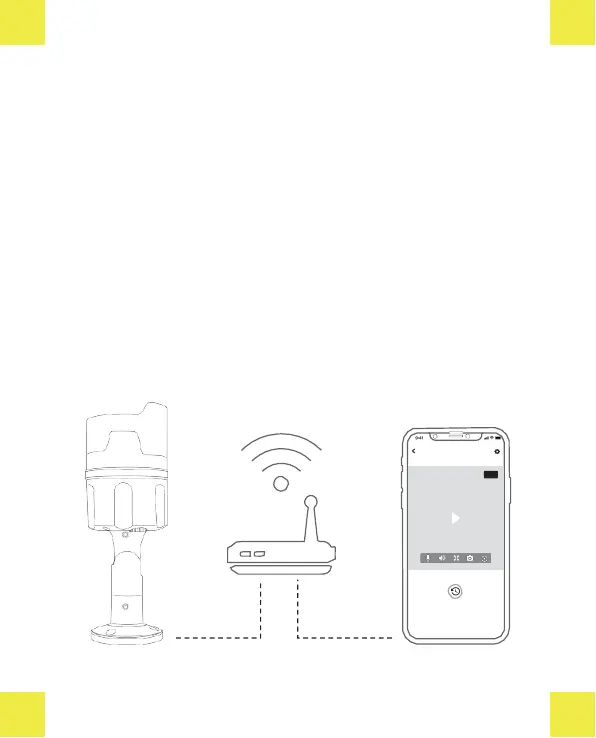
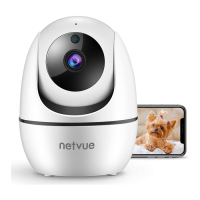
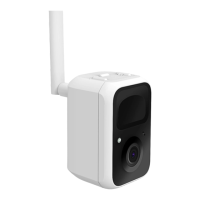
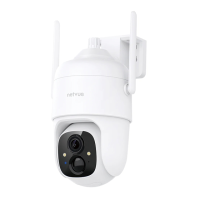
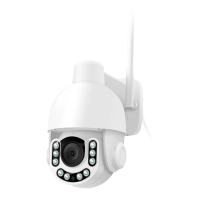
There are two ways of adding Vigil Camera onto Netvue App: Wireless
Connection and Wired Connection.
Wirelessconnection
Wireless connection usesWi-Fi to connect the camera to the App. It is the
easiestwayif the installationspot is close to your router and have a strong
Wi-Fisignal. Please note that thickor insulated wall may weaken the signal
dramatically. Before youdecideto choose this connection method, check
the Wi-Fi signal at your installation spot. Be sure to use 2.4GHz Wi-Fi.


 To Next Page