Got Questions? Let Us Help! Email SUPPORT@NEUMITECH.COM
How Do I Play Videos? How Do I...
How do I load videos, photos, or music onto the media player?
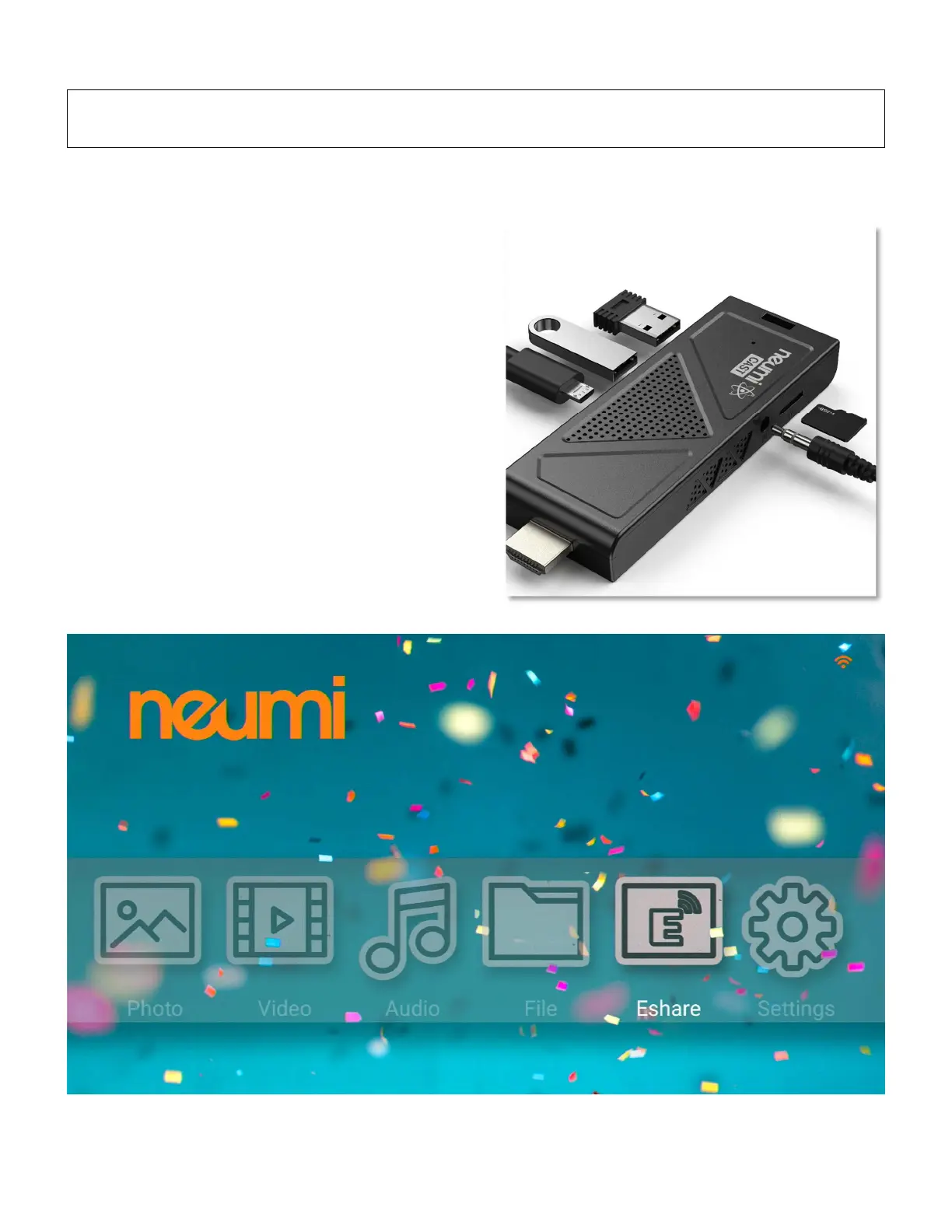
Use a computer to copy videos, photos, or music
onto a Micro SD card or USB drive (not included).
Organize the files in folders to make them easier to
manage. The player supports up to 1000 files per
folder. If there are more than 1000 files in a folder,
the additional files may not be read by the player.
After copying your media files, insert the Micro SD
card or USB drive into the media player to play the
videos, photos, or music.
User Advice: The media player does not have
any internal memory. It must be used with a
Micro SD card up to 512GB or a USB drive up to
4TB. If your Micro SD card or USB drive is not
recognized, make sure is using FAT32, exFAT,
or NTFS file system format. For help please
email SUPPORT@NEUMITECH.COM


 To Next Page