Got Questions? Let Us Help! Email SUPPORT@NEUMITECH.COM
To get your media player ready for use
:
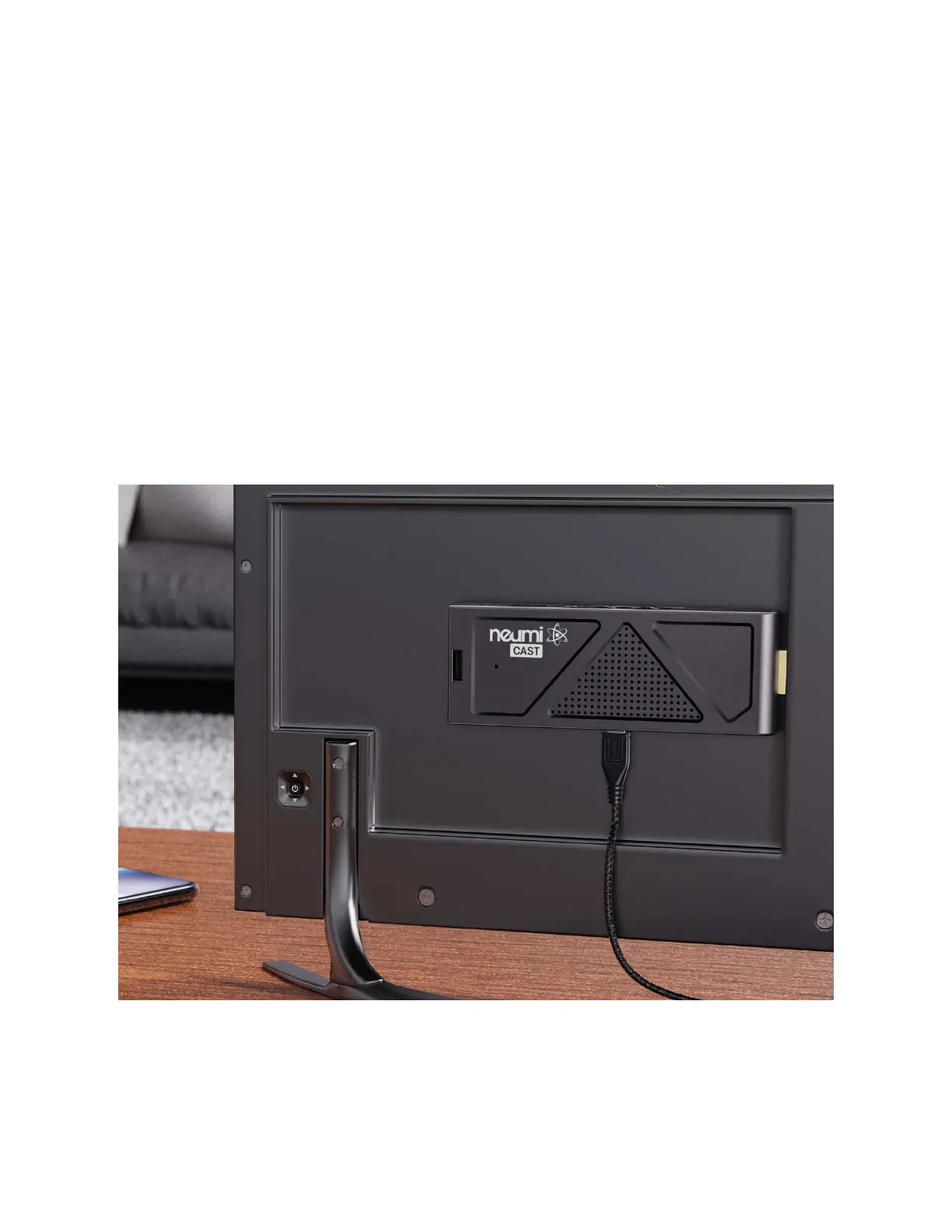
• Connect the media player to your TV by plugging it into an available HDMI input port.
The included HDMI extension cable can be used if needed. If a longer extension cable is
needed, be sure to purchase one that is HDMI 2.0 compliant.
• Connect the IR receiver cable and mount the receiver where it can “see” the IR signal
from the remote control.
• Turn on your TV and set it to the appropriate input source where the media player is
connected.
• Connect the AC adapter for the media player – it will turn on automatically. Ta-da!
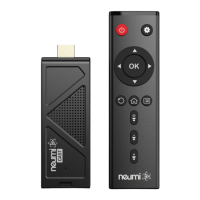
• Install two AAA batteries (not included) into the remote control.
That’s it! Now all you need to do is load some videos onto a Micro SD card or USB drive (not
included) and begin enjoying your new media player.


 To Next Page
 Loading...