Neurio must only be powered on when the breaker panel is closed, so you can turn Neurio on and o by ipping
the breaker that its black, Phase A wire is connected to. This breaker should be labelled on the breaker panel.
You should hear 3 short beeps, followed by a short chime. If you don’t hear these sounds, or if you
hear a descending tone, check the installation to make sure everything is connected properly.
Safety Warnings
Installing Neurio requires working with voltages that are hazardous to human heath, and thus must only be
done by an electrician or other qualifed professional. Installations should be performed in accordance with the
applicable electrical code for the region in which Neurio is being installed. Whenever possible, power should be
disconnected upstream from the installation location before attempting installation of Neurio. If power cannot be
disconnected, high voltages may still be present, and caution must be taken to avoid injury. If Neurio is not used as
instructed, its protection mechanisms may be impaired.
Rules:
1. Installations must be performed by a qualied professional.
2. Do not use Neurio with voltages that exceed 240V.
3. Only install Neurio in approved breaker panels or enclosures.
4. Neurio must not be exposed to moisture, direct sunlight, extremely low or high temperatures, and
conductive pollution. Consult the User Manual for Neurio’s acceptable operating environment.
5. Neurio must be installed in a location that limits access to only qualied personnel.
For additional troubleshooting advice and support, visit support.neur.io
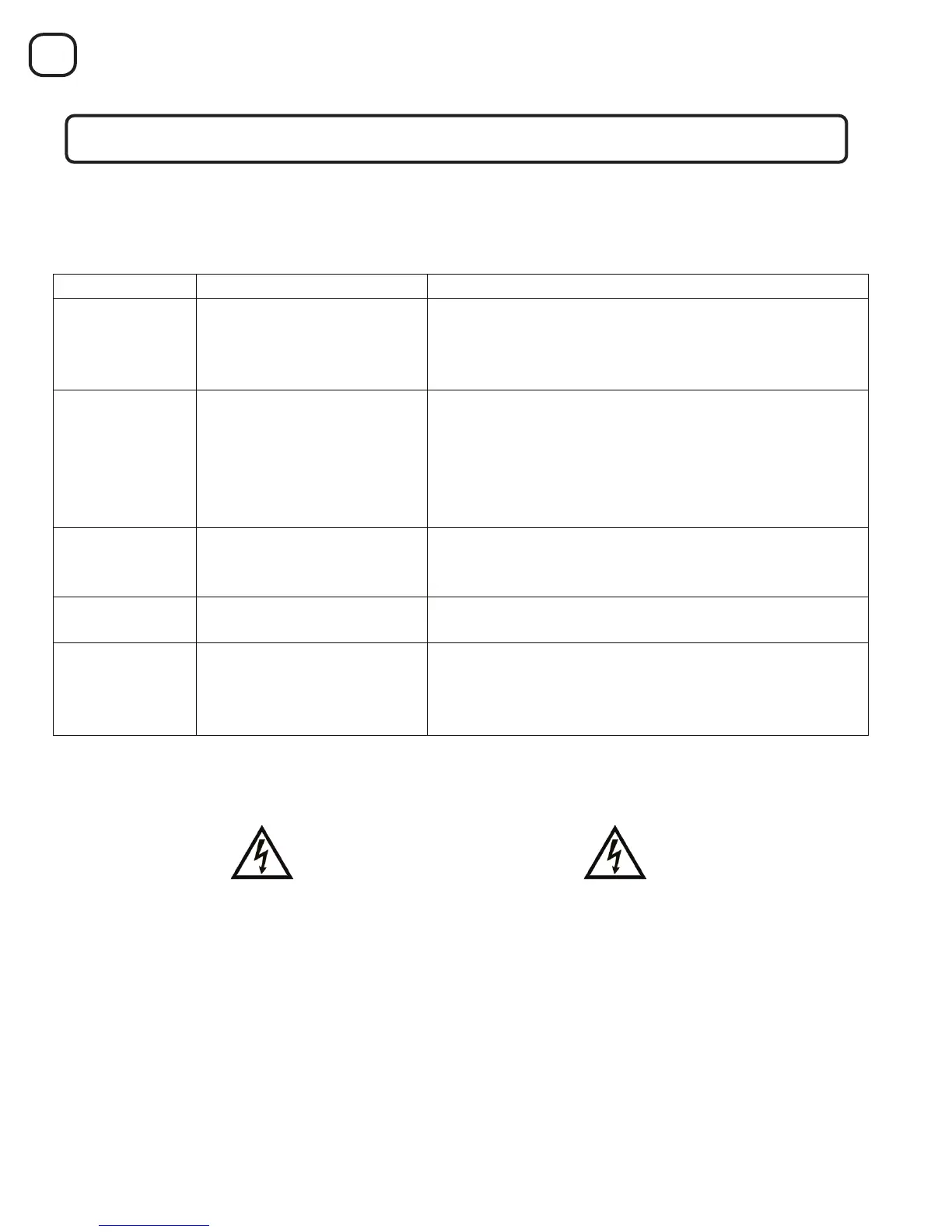
When powered on, Neurio will play the following tones to indicate its status in sequential order:
After installing Neurio and before the homeowner has connected it to the WiFi network:
If Neurio is conneced to the WiFi network, you should also hear a long chime one minute after the short chime.
Installation Validation
9
One beep for each voltage wire that is connected.
For 3-phase installaons, there should be 3 beeps to
indicate that the black, red, and blue wires are all
(condional)
Indicates that two or more of Neurio’s voltage wires
are connected to breakers on the same phase.
For 3-phase installaons, this tone is a sign of an
installaon problem. At least one of Neurio’s voltage
wires must be moved to a different breaker because it is
on the same phase another of Neurio’s voltage wires.
Started
Neurio has started hosng its own WiFi network. The
homeowner can join this network to configure Neurio
and connect it to the homeowner’s own WiFi network.
Neurio Join Network
Succeeded
Neurio successfully joined the homeowner’s WiFi
network.
Neurio Join Network Failed
Neurio was unable to join the homeowner’s WiFi
network. Neurio will now start hosng its own WiFi
network again to allow the homeowner to re-connect
to Neurio and re-enter the WiFi credenals.



 To Previous Page
 Loading...