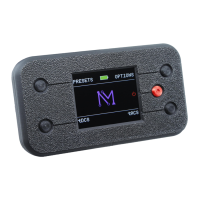
7
Step 5: Select a Session
Note 1. Presets let you quickly
start a tDCS or tACS session.
Note 2. Full tDCS and tACS modes
let you customize the session time
and intensity. tACS mode also
lets you customize frequency.
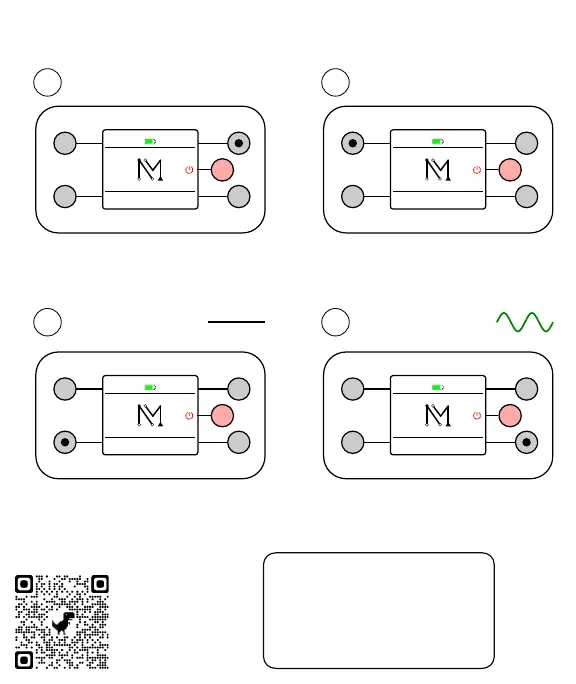
Meter (optional)
1
Preset Session
2
Press the top right button to access
the optional session meter. The
meter is off by default.
Press the top left button to access
presets. There are 3 preset tDCS
sessions and 3 preset tACS sessions.
3
tDCS Session
4
tACS Session
Press the bottom left button for
tDCS. This uses steady current to
enhance or calm brain activity.
Press the bottom right button for
tACS. tACS uses oscillating
current to promote brain rhythms.
PRESETS
tDCS
OPTIONS
tACS
PRESETS
tDCS
OPTIONS
tACS
PRESETS
tDCS
OPTIONS
tACS
PRESETS
tDCS
OPTIONS
tACS
Need Help?
Point your phone
camera at the
tiny dots and click
the yellow link.


 To Next Page
 Loading...