EasyManua.ls Logo

NeurOptics NPi-300 - User Manual

NeurOptics NPi-300
16 pages
Print Icon
To Next Page IconTo Next Page
Loading...
NPi
®
-
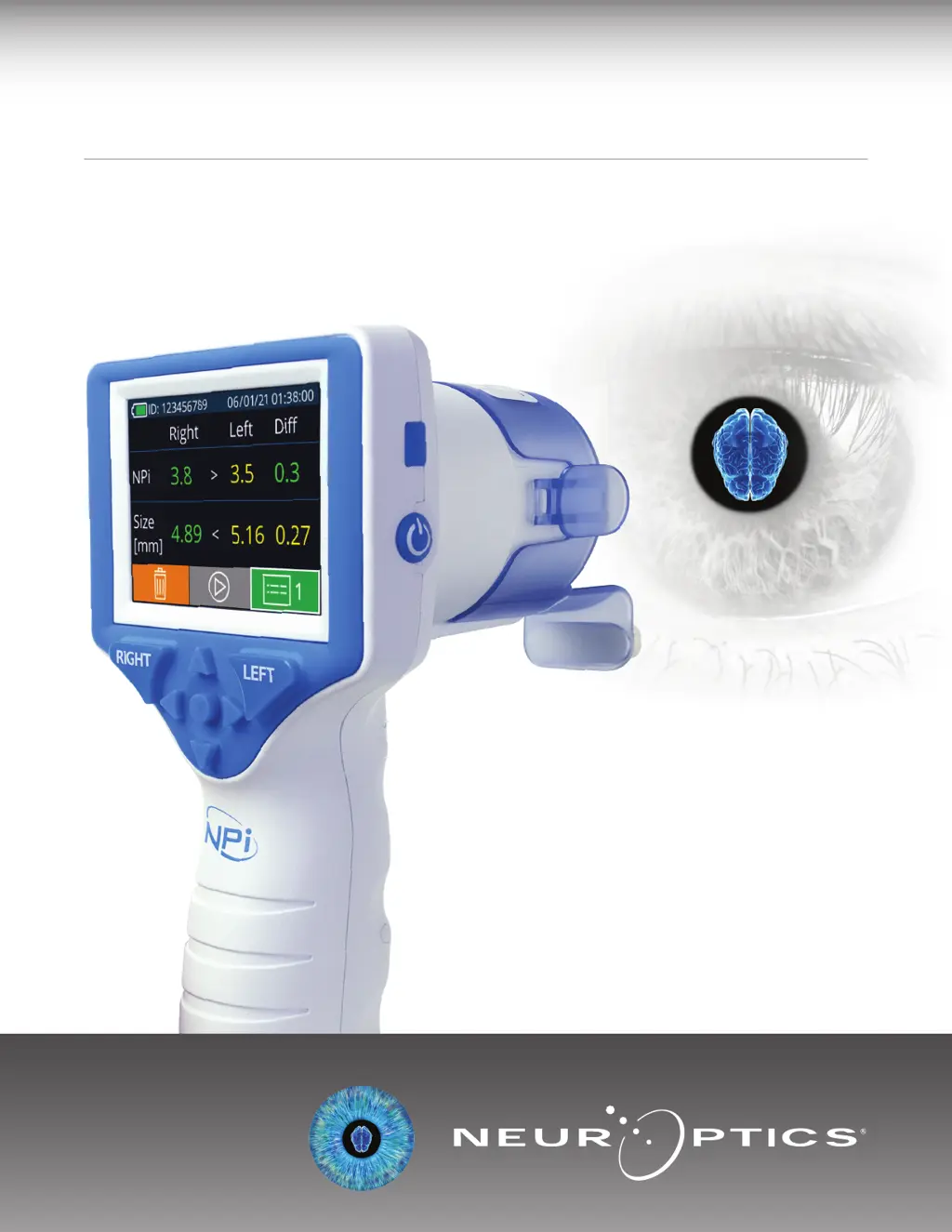
300 Pupillometer
Instructions For Use

Other manuals for NeurOptics NPi-300

Questions and Answers

  • B
    bushjamesAug 6, 2025
    What to do if NeurOptics NPi-300 Measuring Instruments displays “Rescan” following measurement?
    • B
      Brandi MurphyAug 6, 2025
      If the NeurOptics Measuring Instruments device displays 'Rescan' after a measurement, it's likely because the device was moved during the scan or the patient blinked. To resolve this, repeat the scan, ensuring you maintain the correct position of the NPi-300 until the measurement is complete and the pupillary measurements are displayed. You may also need to gently hold the patient's eyelid open during the scan.
  • R
    Ronald VelazquezAug 14, 2025
    How to fix NeurOptics Measuring Instruments NPi-300 Pupillometer when it will not turn on?
    • S
      Seth WheelerAug 14, 2025
      If your NeurOptics NPi-300 Pupillometer isn't turning on, there are a few things to check. First, make sure you are using the power adapter that came with the device and verify the label on the adapter. Next, ensure the power cord is fully plugged into both the wall and the charging station. Finally, if the battery is completely discharged, place the NPi-300 into the charging station to charge it.
  • A
    Andrew MarshallAug 22, 2025
    What to do if NeurOptics Measuring Instruments NPi-300 returns to Home Screen during measurement?
    • M
      Michelle RivasAug 22, 2025
      If the NeurOptics Measuring Instruments NPi-300 returns to the Home Screen while taking a measurement, it's because the RIGHT or LEFT button was accidentally pressed during the measurement, causing it to be aborted. To prevent this, repeat the scan, being careful not to press any buttons until the scan is fully completed and the results appear on the screen.
  • X
    xbryanAug 29, 2025
    Why pupil measurement will not initiate on NeurOptics NPi-300 Measuring Instruments?
    • V
      vandersonAug 29, 2025
      If pupil measurement won't start after releasing the RIGHT or LEFT key on your NeurOptics Measuring Instruments device, it might be due to excessive blinking or incorrect device positioning. Gently hold the patient's eye open with your finger during measurement to minimize blinking. Also, ensure you're holding the device at a 90-degree angle to the patient's face and that the pupil is centered on the screen.

Summary

Introduction

Indications for Use

Contraindications

Warnings and Cautions

Warnings

General warnings and precautions for operating the NPi-300 device and its components.

Cautions

Specific cautions to follow when cleaning the device and its internal components.

Electromechanical Compatibility (EMC) Notice

Magnetic Resonance Imaging (MRI) Notice

Federal Communications Commission Compliance

Classification

Patents, Copyright and Trademark Notice

Safety Information

Getting Started

Unpacking the NPi-300 Pupillometer System

Details on the components included in the NPi-300 Pupillometer System package.

Initial Set-Up

Instructions for the initial setup and configuration of the NPi-300.

Power Up

Charging the NPi-300 Pupillometer

Guide on how to charge the NPi-300 Pupillometer using the charging station.

Turning On the NPi-300 Pupillometer

Setting Date and Time

Date and Time Maintenance

Procedures for maintaining the correct date and time settings on the device.

Returning to the Home Screen

Measuring Pupils Using the NPi-300 Pupillometer

Taking a Bilateral Pupil Measurement

Associate SmartGuard with Patient ID

Guide to associating the SmartGuard with a patient's identification.

Scan Barcode Using Incorporated Barcode Scanner

How to use the barcode scanner to associate patient ID with SmartGuard.

Manual Entry of the Patient ID

Instructions for manually entering patient ID on the device.

Measure Pupils

Procedure for positioning the device and measuring pupil size.

Video Replay

Trend for Changes

Browse Records

How to review stored measurement records on the NPi-300 or SmartGuard.

NPi Summary Table

NPi;Size Trending Graph

Pupil Measurements - Special Considerations

Blinking During Measurement

Handling measurement results affected by patient blinking.

Non-Responsive Pupil

How the device handles measurements for non-responsive pupils.

Small Pinpoint Pupil Measurement

Details on measuring very small pupils and device limitations.

Pupillometer Resolution Threshold: Change in Pupil Size

Minimum threshold for detecting changes in pupil size.

NPi Measurement of 0

Scenarios where the NPi-300 will report an NPi value of 0.

NPi-300 Pupillometer Navigation Guide

Returning to the Home Screen

Steps to navigate back to the device's main Home Screen.

Settings

Accessing and configuring various device settings.

More Settings

Customize Barcode Scanner

Options for customizing the barcode scanner's input.

System Information

Accessing device serial number, software, and firmware versions.

Troubleshooting

NPi-300 Pupillometer will not turn on

Solutions for when the device fails to power on.

Pupil measurement will not initiate after release of the RIGHT or LEFT key

Troubleshooting steps for measurement initiation failure.

NPi-300 returned to Home Screen while taking a measurement

Reasons and solutions for unexpected return to the home screen.

Rescan displayed following measurement

Explains the "Rescan" message and how to address it.

Power Off

Handling, Cleaning and Maintenance

Cleaning the NPi-300 Pupillometer and NPi-300 Charging Station

Instructions on how to clean the device and charging station.

Drying and Inspection Following Cleaning

Procedures for drying and inspecting the device after cleaning.

Cleaning Considerations: NPi-300 Liquid Crystal Display (LCD)

Specific advice for cleaning the LCD screen and optics.

Customer Service

Ordering Information

Returned Goods Policy

Appendix A - Pupillary Measurement Parameters

Appendix B - Technical Specifications

Appendix C - Radio Frequency Identification Device (RFID) Broadcast Range

Appendix D - NPi-300 Pupillometer Display Limits for Electronic Medical Record (EMR) Flowsheet Integration

Appendix E - International Symbol Definition

NeurOptics NPi-300 Specifications

General IconGeneral
BrandNeurOptics
ModelNPi-300
CategoryMeasuring Instruments
LanguageEnglish

Related product manuals