Option
28.4 Theft Protection
As soon as the device is switched on the green LED starts
flashing
slowly, thus indicating that the system is in the secured
mode.
Upon delivery of the device you receive a certificate with
the
system number and the safety code.
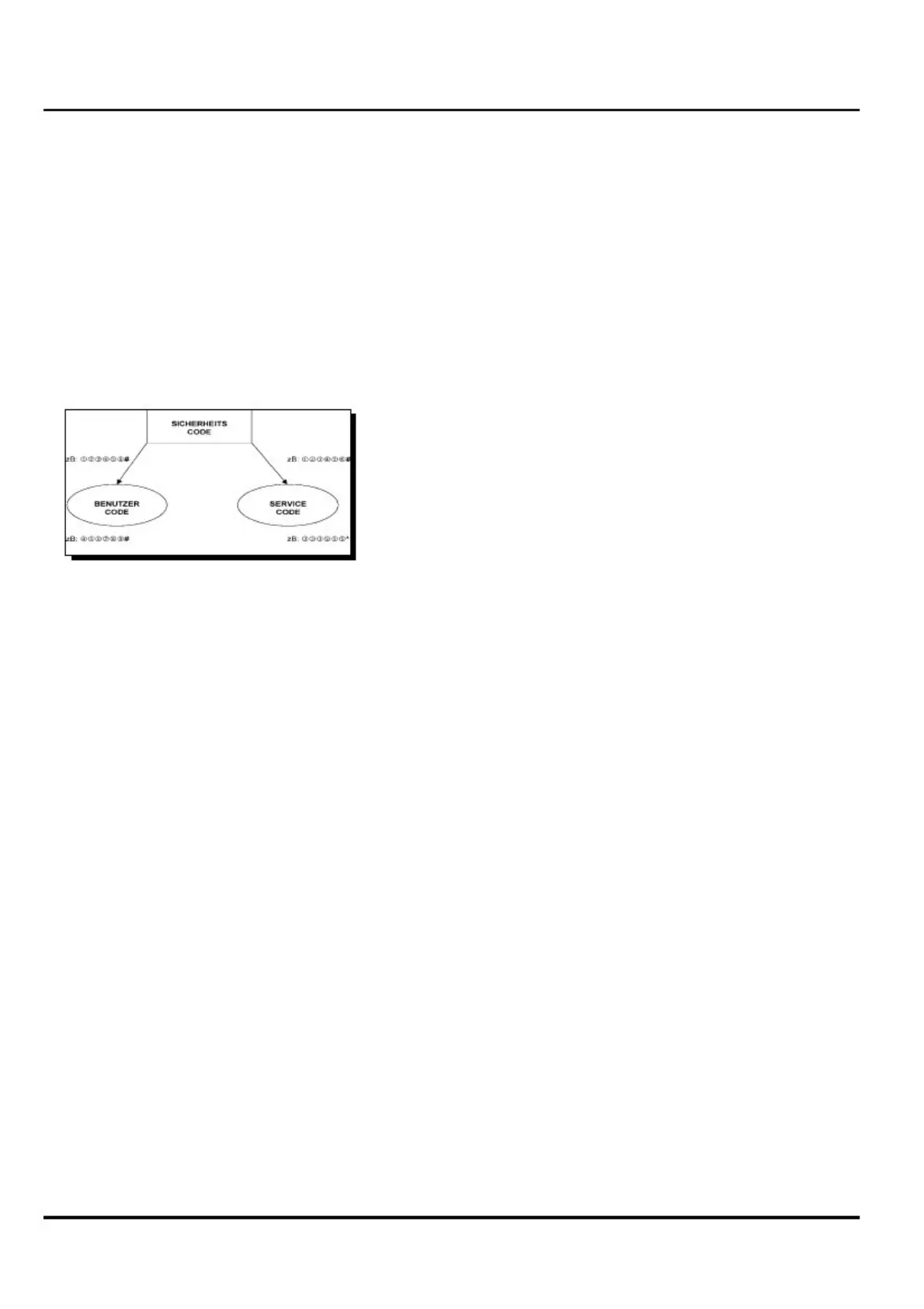
If the device is in the secured mode, you can enter two
safety
codes, the service code and the user code.
1.
2.
3.
4.
Make sure that the LED lights up red each time you
press
a key.
Slowly enter the 6-digit safety code followed by the #
key.
The green LED starts flashing quickly.
Now you've got 30 sec to enter the service code or the
user
code.
Slowly enter the desired 6-digit user code followed by
the
# key.
Slowly enter the desired 6-digit service code followed
by
the * key.
After each sequence the green LED goes out and lights up
again
- flashing slowly. Now you have defined your codes and the
system returns to the safety mode.
To start the machine you must enter the service code or the
user
code followed by the # key.
Standby mode: After entering the user code the green LED
goes out. Now you have got 30 sec to start
the device. After 30 sec the system
returns to the safety mode.
If you shut down the device, the system will
change to the safety mode after 12 sec -
green
LED flashing slowly. Another starting
attempt is possible only within this period of
12
sec.
Safety mode:
Starting sequence:
1.
2.
3.
4.
Switch on ignition
Enter user code
Switch off ignition
Start within 30 sec
9707672_user manual_en
- 80 -


 To Next Page
 Loading...