EasyManua.ls Logo

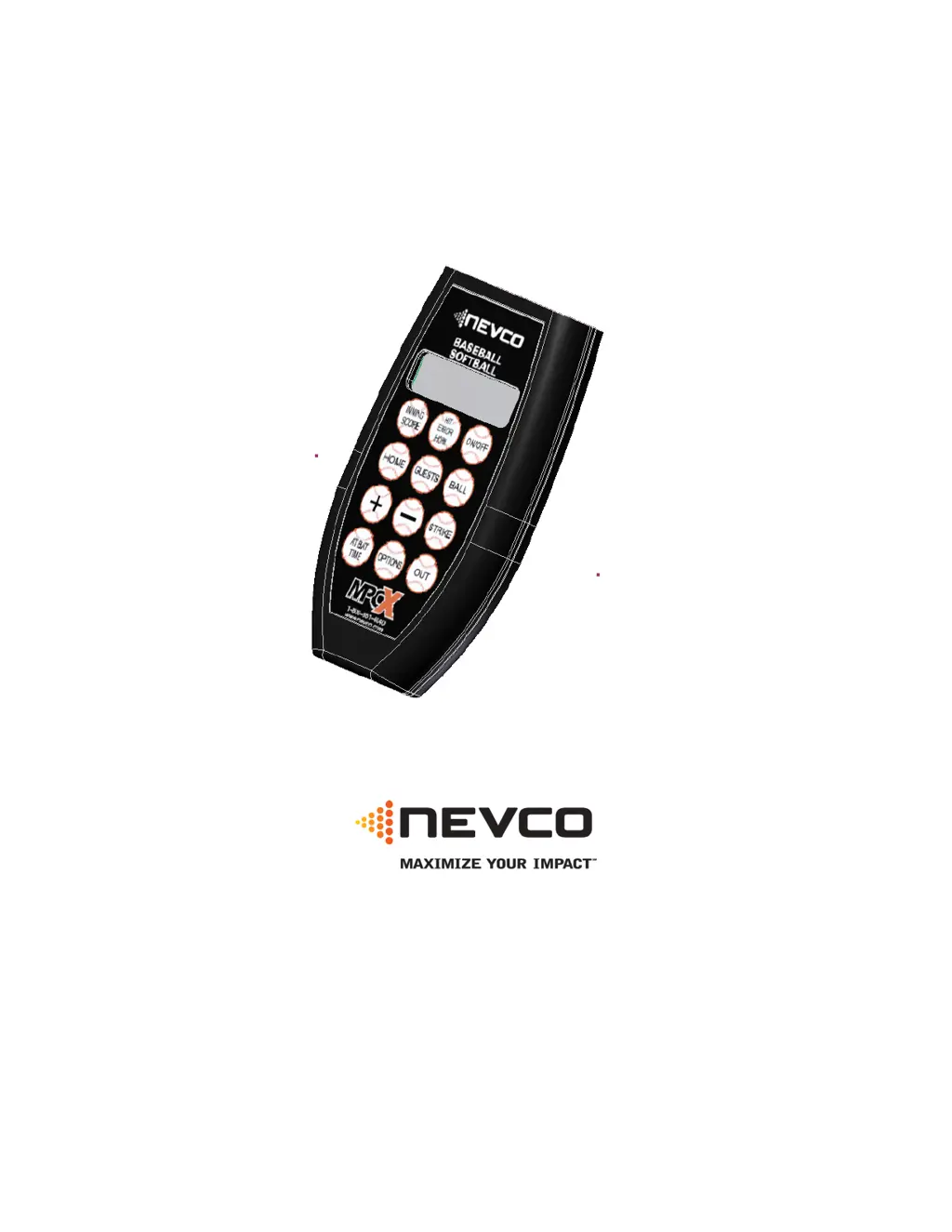
Nevco MPCX 1500 - User Manual

Nevco MPCX 1500
24 pages
Print Icon
To Next Page IconTo Next Page
Loading...
Rev. 02/03/2011 135-0115
Scoreboard Operators Instructions
MPCX Baseball Control
Since 1934
Retain this manual in your permanent files

Questions and Answers

  • S
    Stacey BrownAug 8, 2025
    What to do if Nevco MPCX 1500 Accessories scoreboard is on but not responding to control?
    • S
      Sheri CobbAug 8, 2025
      If your Nevco Accessories scoreboard is on but not responding to the control, it means the control and receiver aren't communicating. To fix this, turn the control off and then on again to re-establish the connection.
  • D
    davidsherryAug 12, 2025
    Why is my Nevco Accessories scoreboard off when the control is on?
    • C
      Carla AlvarezAug 12, 2025
      If your Nevco Accessories control is on, but the scoreboard is off even though the data is changing on the control, you should: * Ensure the scoreboard has power by checking all switches, breakers, and fuses. * Inspect all cables and connections between the receiver and the scoreboard module to rule out any bad connections.
  • T
    tiffanyoliverAug 16, 2025
    Why don't the ball, strike, and out keys work on my Nevco MPCX 1500 scoreboard?
    • J
      Jordan WalkerAug 16, 2025
      If the ball, strike, and out keys on your Nevco Accessories control don't work, it's likely that the balls, strikes, and outs are not being reset. To reset them, press and hold the corresponding keys.
  • V
    vburchAug 20, 2025
    Why is Nevco MPCX 1500 scoreboard displaying data in the wrong places?
    • A
      Andrew CurtisAug 20, 2025
      If the Nevco Accessories scoreboard is displaying data in the wrong places, the control is probably not configured for the correct scoreboard model series. To fix this, reconfigure the control using the Options Menu.
  • B
    Barbara ClineAug 25, 2025
    Why can't I turn the time on for my Nevco Accessories scoreboard?
    • S
      savagetiffanyAug 26, 2025
      If you cannot turn the time on for your Nevco Accessories scoreboard, it's because the time is at 0.0 and set to count down. To resolve this, either set some time on the clock or change the timer direction to count up.
  • A
    Ashlee OrtegaAug 29, 2025
    How to add extra runs on Nevco Accessories scoreboard?
    • M
      Mariah AndersonAug 29, 2025
      To add extra runs into the total score on Nevco Accessories models 1503, 1506, 1508, 1003, and 1006 (which show runs by inning) when a team scores more than 9 runs in one inning, access the OVERSCORE screen via the Options menu and log the extra runs there. This is because the scoreboard can only display a maximum of 9 runs per inning per team on the main display.
  • R
    Robert ReyesSep 2, 2025
    Why won't the time display on my Nevco Accessories scoreboard?
    • N
      ncastanedaSep 2, 2025
      To display the time on Nevco Accessories models 1520 and 1020, set the inning to ten or above. This is because the time and inning are displayed in the same digits.

Nevco MPCX 1500 Specifications

General IconGeneral
BrandNevco
ModelMPCX 1500
CategoryAccessories
LanguageEnglish

Related product manuals