EasyManua.ls Logo

Newentor Q7 - User Manual

Default Icon
26 pages
Print Icon
To Next Page IconTo Next Page
Loading...
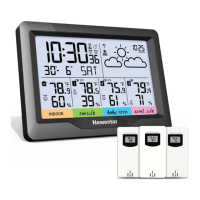
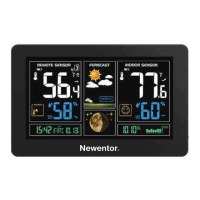
Newentor®
Weather Station
(Save the Instructions for Future Peference)
I.'`..Ill
a :::'i'ce@newentorcom ill 5:Caer%°h?kNewentor
Newentor weather station is a functional product and with the correct
settings will accurately show your local weather. If there are any questions
about the use or functions, contact us through any of the above methods
to get support.
Question and Answer IconNeed help?

Do you have a question about the Newentor Q7 and is the answer not in the manual?

Summary

Weather Station Features

Package List

Lists the components included in the weather station package.

Button Functionality

Explains the functionality of each button on the device for normal and setting modes.

Initial Operation

Connect Remote Sensor

Backlight Setting

Time, Time Zone and Calendar Setting

Manual Time Setting

Guides through manually setting the time, date, and time zone.

Automatic Time Setting

Explains how the device automatically synchronizes time via WWVB signal.

Daily Alarm and Snooze Function Setting

Low Battery

Resetting the Device

Newentor Q7 Specifications

General IconGeneral
ModelQ7
Power (Remote Sensor)2 x AA batteries (not included)
TypeWeather Station
DisplayLCD
Indoor Temperature Range0°C to 50°C (32°F to 122°F)
Humidity Range20%
FeaturesWeather Forecast, Temperature and Humidity Display, Alarm Clock, Calendar

Related product manuals