16
DISPLAY
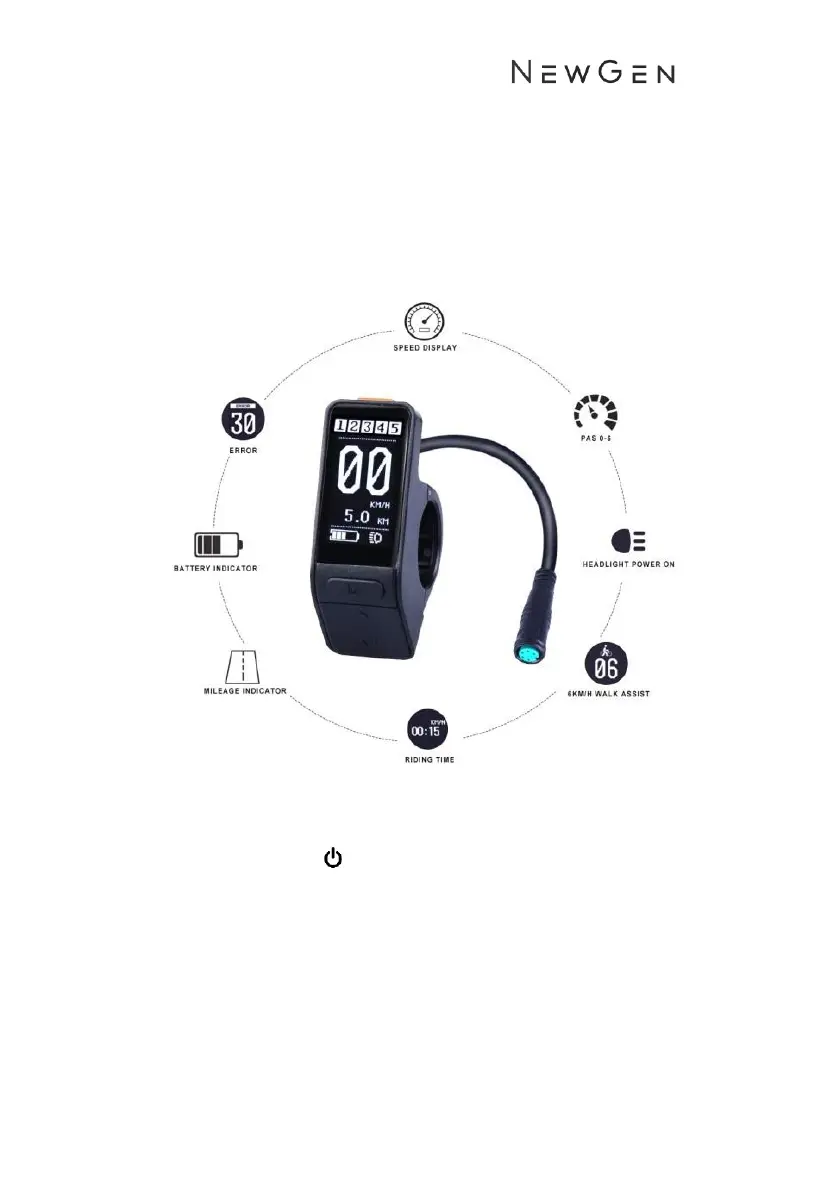
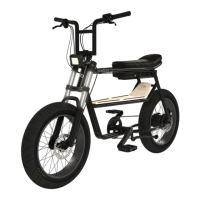
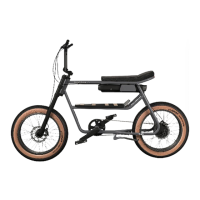
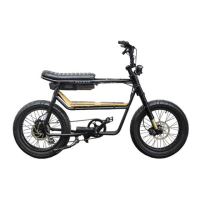
The 345 and 345 Lite come fitted with either the stealth SW102 display or the full
colour 850c LCD Display. Do no attempt to operate the display while riding.
SW102 Display
Operation
1. Turning On/Off
• Long press the orange power button on the top of the display
for 3 seconds. The boot logo will appear followed by the
display interface.
• To switch off, long press the orange power button for 3
seconds.
2. Power Assist levels
• There are 5 levels of pedal assist. 1 being the lowest and 5
being the highest level of assist.


 To Next Page