19
• Long press ↓ for 2 seconds and the bike will enter into walk
mode assist. This will engage the motor and accelerating the
bike to a walking pace (6km/h). Hold the ↓ button to
maintain the walk mode. Walk mode will disengage when the
↓ is not pressed.
5. Headlight on/off
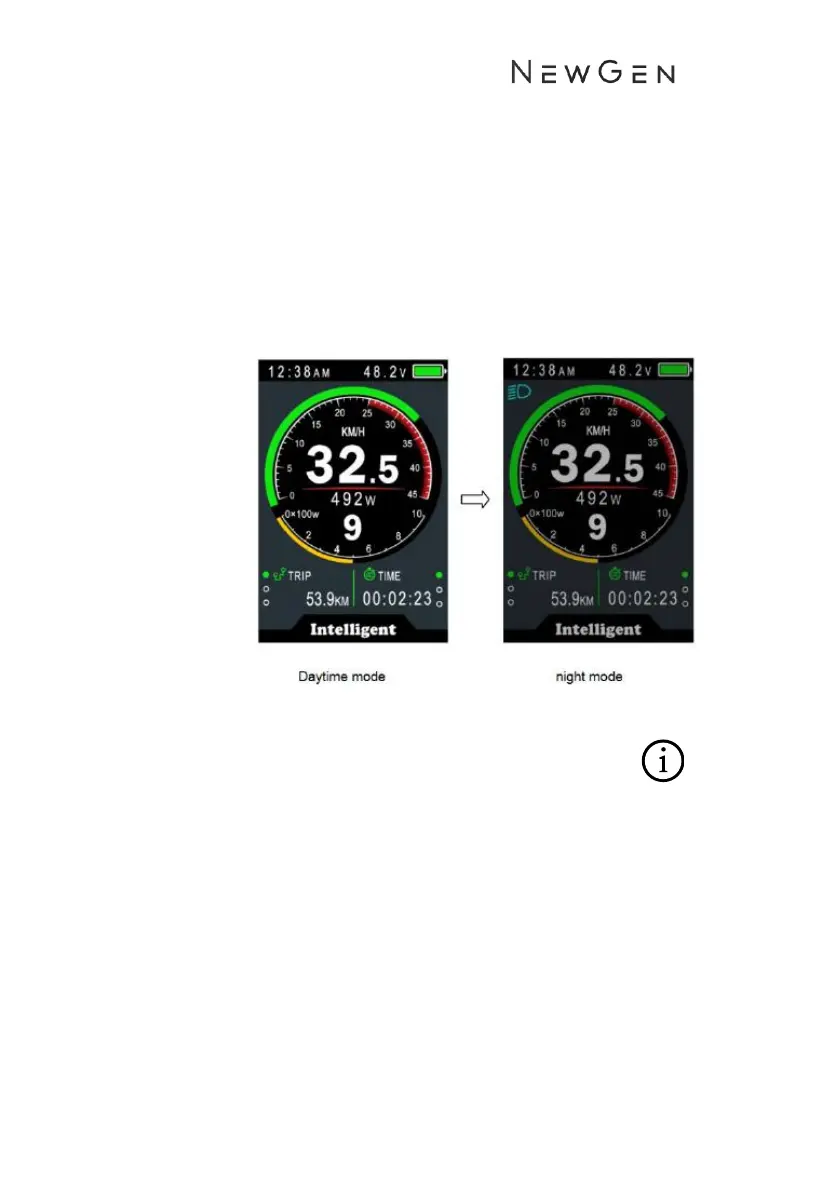
• Long press ↑ for 2 seconds to turn the front utility light on.
The headlight icon will be displayed on the screen.
• Long press↑ for 2 seconds to turn the front light off.
• Always remember to have both the front and back
lights on when riding at night or in low light
conditions.
6. Charge other devices
• Under the display a USB charging port can be found to charge
other mobile devices such as your phone.
• The port provides 5V 500mA.


 To Next Page