EasyManua.ls Logo

Newland NLS-NQuire300 - User Manual

Newland NLS-NQuire300
63 pages
Print Icon
To Next Page IconTo Next Page
Loading...
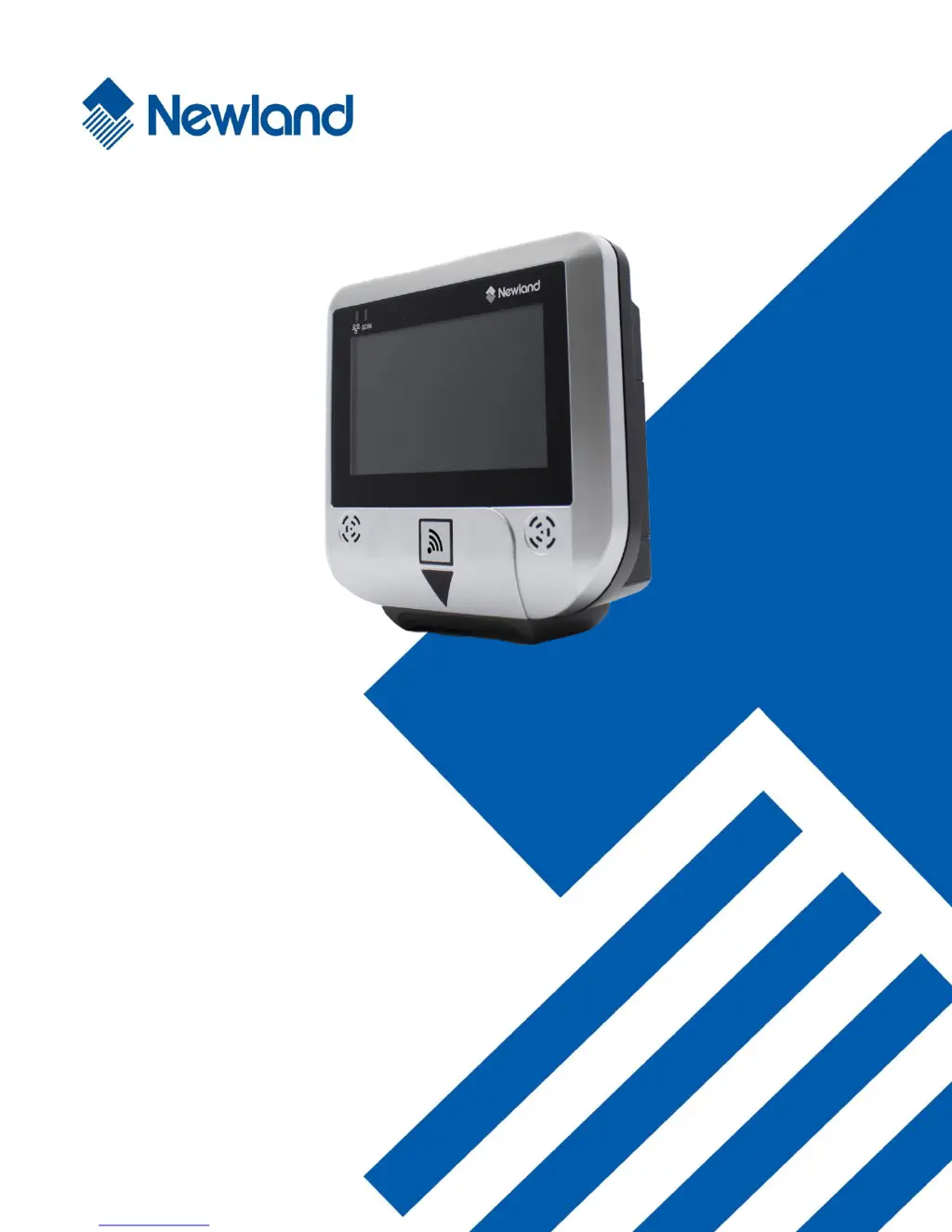
NLS-NQuire300
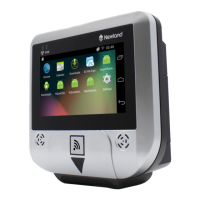
Customer Information Terminal
User Guide

Table of Contents

Questions and Answers

Summary

Chapter 2 Getting Started

Mounting

Provides step-by-step instructions for physically mounting the NQuire terminal using a VESA 75 mount.

Chapter 3 Configuring the NQuire

Configuring the NQuire with the Web-based Tool

Details how to access and use the built-in web server for NQuire device configuration.

Network Settings

Explains how to configure Wi-Fi and Ethernet network parameters for the NQuire.

Scanner Settings

Guides on configuring barcode scanner settings such as output mode, scan mode, and encoding.

Miscellaneous Settings

Covers various settings including device name, authentication, programming timeouts, and text options.

Backup

Details how to export and import configuration settings for the NQuire.

Update

Explains how to update the NQuire system firmware using FTP.

Configuring the NQuire with Programming Barcodes

Enter;Exit the Setup Mode

Explains how to enter and exit the NQuire's setup mode using specific programming barcodes.

Customizing Configuration Barcodes

Guides on creating custom configuration barcodes for streamlining NQuire setup.

Chapter 4 Using the NQuire

Scanning Barcodes with NQuire301

Details how to scan 1D barcodes using the NQuire301, including aiming beam usage.

Scanning Barcodes with NQuire302;304

Explains how to scan 1D and 2D barcodes with NQuire302/304 using crosshair aiming.

Chapter 6 System Update

Updating System with a USB Flash Drive

Provides step-by-step instructions for updating the NQuire system using a USB flash drive.

Updating System via FTP

Details the process for updating the NQuire system firmware using an FTP server.

Chapter 7 ADB Debug

Using the ADB

Guides on how to use the ADB tool, including enabling developer options and OTG.

Chapter 8 Using an External Barcode Scanner

Connecting a Barcode Scanner to the NQuire

Describes how to connect external barcode scanners to the NQuire via USB ports.

Chapter 9 Maintenance& Troubleshooting

Troubleshooting

Offers solutions to common problems encountered with the NQuire, such as power or communication issues.

Newland NLS-NQuire300 Specifications

General IconGeneral
ConnectivityWi-Fi, Bluetooth
Camera5MP rear camera with flash
Barcode Scanner2D Barcode Scanner
InterfacesUSB
Card ReaderSupports NFC, RFID
DurabilityIP65 rated

Related product manuals