EasyManua.ls Logo

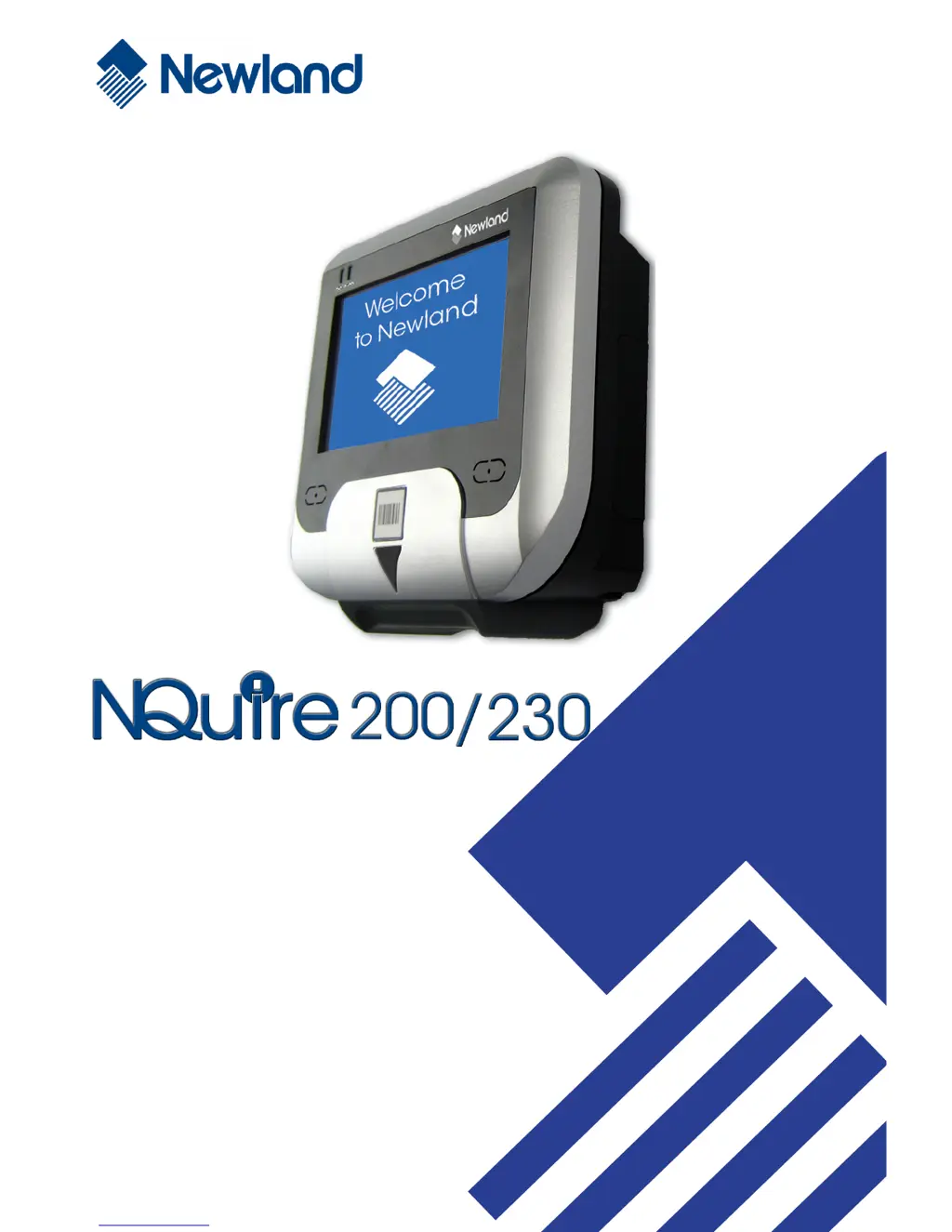
Newland NQuire 200 - User Manual

Newland NQuire 200
48 pages
Print Icon
To Next Page IconTo Next Page
Loading...
Customer Information Terminal
User Manual
Version 1.2

Questions and Answers

  • P
    Pamela SandersAug 11, 2025
    Why are parameter changes not saved on Newland Touch terminals after reboot?
    • B
      Brandon BakerAug 11, 2025
      If the parameter changes made using the Web Configuration Tool were not retained after the Newland Touch terminals NQuire was rebooted, it's likely the parameter changes were not saved. To resolve this, for each setting you want to change and save, click the "Apply settings" button after each change and in each box.
  • J
    jessicawagnerAug 17, 2025
    How to troubleshoot a Newland NQuire 200 NQuire that does not turn on?
    • C
      Cynthia WareAug 18, 2025
      If your Newland Touch terminals NQuire does not turn on, it might be due to no power reaching the device. Here's what to check: * **AC outlet power:** Ensure the approved power supply is correctly connected to a working AC power source and to the NQuire power connector. * **Power-over-Ethernet:** If using PoE, verify the Ethernet cable is connected to the NQuire Ethernet port and a functioning Power-Over-Ethernet (POE) device. Also, confirm the POE device's power supply is connected to an AC outlet and test the Ethernet cable for continuity.
  • R
    Robert SalasAug 23, 2025
    What to do if Newland NQuire 200 Touch terminals NQuire does not respond to pings?
    • C
      Chad MooneyAug 23, 2025
      If the Newland Touch terminals NQuire does not respond to polls or pings from the host computer, there might be no communication between them. To fix this, check the cables connected to the NQuire, make sure the NQuire IP address matches the address the host is polling or pinging, and verify the communication parameters.
  • R
    Ryan MckeeAug 29, 2025
    How to fix wireless communication issues on Newland NQuire 200 NQuire 20xRW?
    • J
      Jenna BarajasAug 29, 2025
      If your Newland Touch terminals NQuire 20xRW has no wireless communication, it might be due to incorrect WiFi settings. To resolve this, scan the "back to factory default" barcode, connect a physical Ethernet cable, and then try configuring the WiFi settings again.
  • K
    Kevin BaldwinSep 4, 2025
    What to do if Newland NQuire 200 NQuire does not send data?
    • L
      luisgarnerSep 4, 2025
      If the Newland Touch terminals NQuire does not send data to the host computer, the cause may be that the NQuire is not connected to the host. Check all cabling to the host computer.

Newland NQuire 200 Specifications

General IconGeneral
RAM2GB
Storage16GB
Operating SystemAndroid 7.1
Scanner1D/2D barcode scanner
IP RatingIP54
ProcessorQuad-core
ConnectivityWi-Fi, Bluetooth
Camera2MP
Touch PanelCapacitive touch
InterfacesUSB
PowerDC 5V/2A
AudioBuilt-in speaker
Display Size7 inch

Related product manuals