EasyManua.ls Logo

NewMedia Solutions STB2-T2 - User Manual

Default Icon
15 pages
Print Icon
To Next Page IconTo Next Page
Loading...
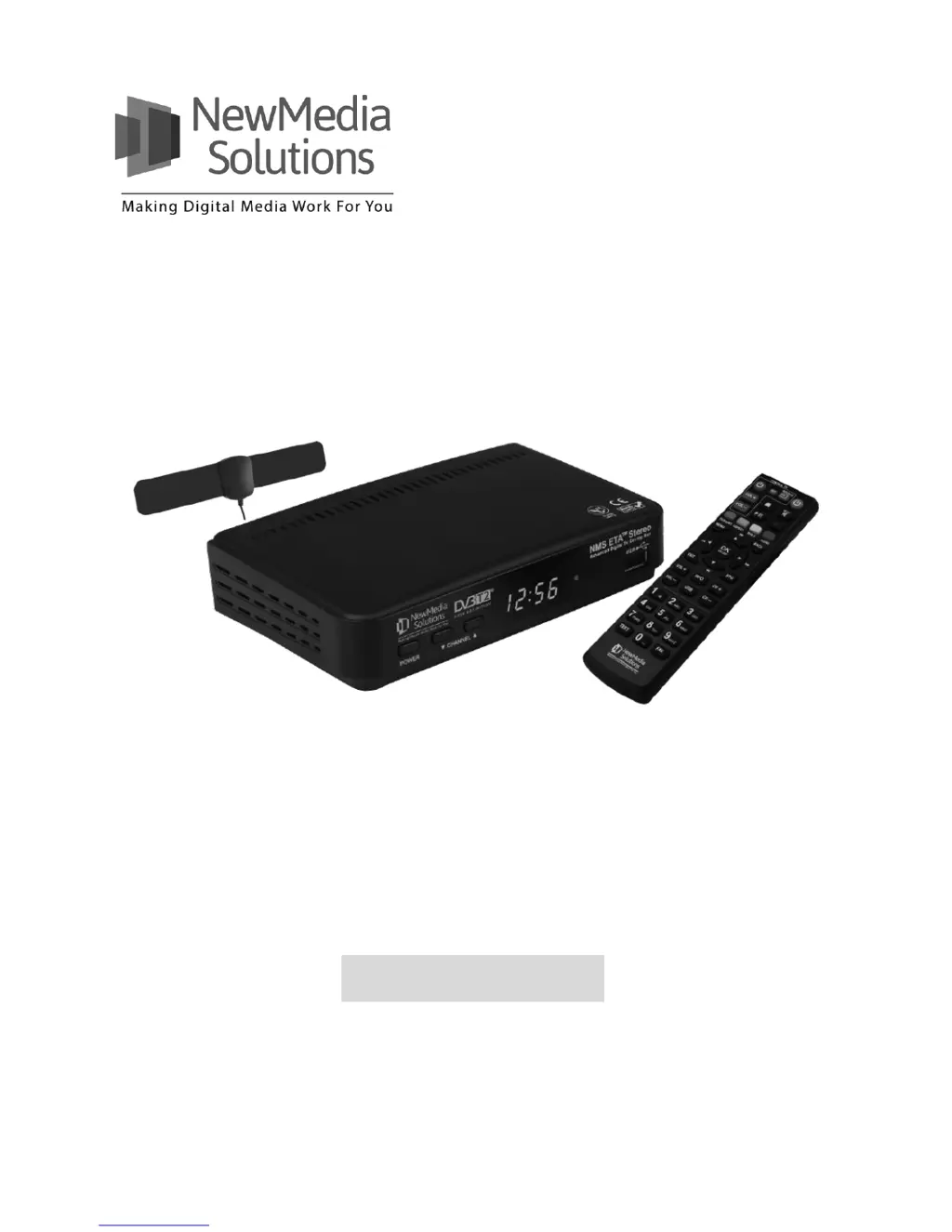
Digital TV HD Set-top Box
STB2-T2
NMS ETA
TM
Stereo
Advanced Digital TV Set-top Box
User Guide

Questions and Answers

  • L
    lharrisAug 7, 2025
    Why is there no sound on my NewMedia Solutions Set-top box?
    • D
      Dr. Dan AguirreAug 7, 2025
      If there's no sound on your NewMedia Solutions Set-top box, here's what to check: * First, make sure the program isn't muted by pressing the MUTE button. * Increase the volume by pressing VOLUME UP. * Try switching to another channel to see if the audio works there. * Also, verify that your A/V cables are properly connected.
  • J
    John CombsAug 12, 2025
    What to do if the NewMedia Solutions STB2-T2 remote control is not working?
    • S
      Shawn JonesAug 12, 2025
      If the remote control for your NewMedia Solutions Set-top box isn't working, try these steps: 1. Replace the batteries in the remote control. 2. If that doesn't work, power off the Set-top box, wait 30 seconds, and then power it back on.
  • J
    Joseph MarshAug 17, 2025
    How to fix no signal on TV from NewMedia Solutions STB2-T2?
    • R
      rebeccajacksonAug 17, 2025
      If there is no signal on the TV from your NewMedia Solutions Set-top box, ensure that all cables are connected properly and that the correct source is selected on the TV.
  • P
    Paul MartinAug 22, 2025
    What to do if NewMedia Solutions Set-top boxes is hung?
    • L
      Lisa RodriguezAug 22, 2025
      If your NewMedia Solutions Set-top box is frozen, power it off, wait 30 seconds, and then power it back on.
  • G
    gonzalezerikaAug 27, 2025
    How to restore channels on NewMedia Solutions STB2-T2?
    • T
      Tina AllisonAug 27, 2025
      If your NewMedia Solutions Set-top box has no channels, it might be because all channels were deleted. To fix this, reset the STB to factory default settings or perform an Express or Full Search.
  • L
    Leslie VasquezSep 1, 2025
    Why is there audio but no video on my NewMedia Solutions Set-top boxes?
    • G
      gregory83Sep 1, 2025
      If you're getting audio but no video from your NewMedia Solutions Set-top box, it might be in Radio mode. Press the TV/RADIO button to switch back to TV mode.

Summary

Safety Information

Power Supply Precautions

Guidelines for safe usage of the power supply, including voltage and socket requirements.

Cable Usage Guidelines

Recommendations for using good quality and certified cables for connectivity.

Cleaning Instructions

Steps for safely cleaning the device using a soft damp cloth and avoiding solvents.

Ventilation Requirements

Ensuring proper airflow by not blocking ventilation holes or stacking equipment.

Lightning Safety

Recommendations for lightning safety devices for antennas and electrical sockets.

Repair and Service

Advice against attempting self-repair and to contact a service center for issues.

Introduction to the Set-top Box

Remote Control Functions

Detailed explanation of each button and its function on the remote control.

Reference and Troubleshooting

Troubleshooting Common Issues

Solutions for problems like missing channels, no sound, or unresponsive remote.

NewMedia Solutions STB2-T2 Specifications

General IconGeneral
EPGYes
TeletextYes
SubtitlesYes
Tuner TypeDVB-T2
Video DecodingMPEG-1/2/4
Audio DecodingMPEG-1 Layer I/II, MPEG-2 Layer II, AAC
Video OutputHDMI
Audio OutputHDMI
USB PortUSB 2.0

Related product manuals