Dyslexia
Aid
Read the word of the text one by one.
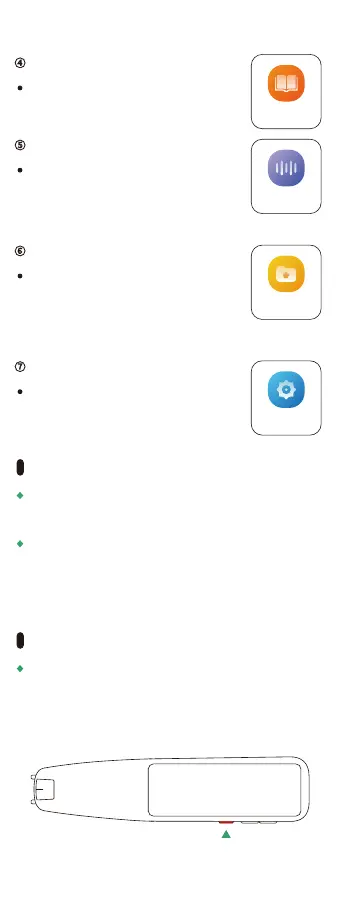
Dyslexia Aid④
9
※This setting is also required for the first startup after
initialization.
When using it for the first time, it need to
be connected to Wi-Fi.
Turn on the power in the Wi-Fi environment and
follow the steps below to set it up.
Recording
Tap the icon to start recording.
Recording⑤
Favorites
The translation result selected in the
favorites folder is displayed in the
list. Only the translation results of
"text translation" and "dictionary"
can be selected as favorites.
Favorites⑥
Setting
Used to change local settings such as
WI-Fl, Bluetooth, screen brightness
adjustment,language settings, etc.
Setting⑦
First Operation
※This setting is also required for the first startup after
initialization.
Long press here( More than 3 seconds)
Press and hold the red power button on the bottom of
the main unit 3 seconds or more.
Turn on The Power



 To Next Page