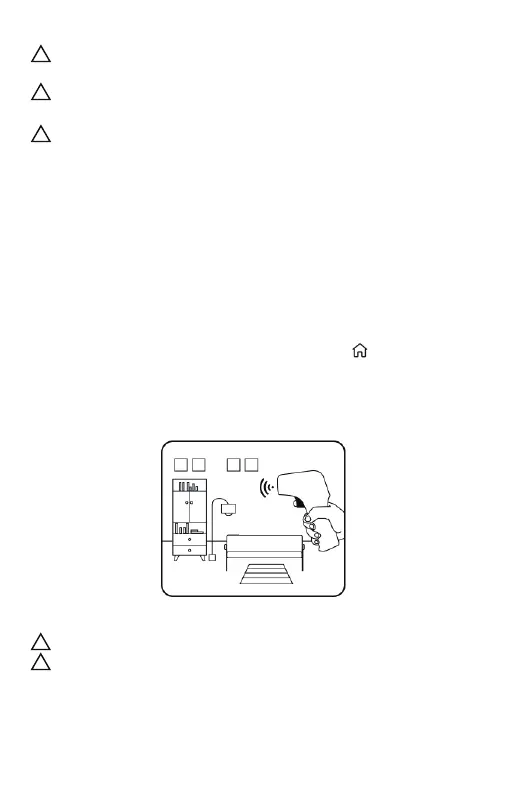
Fig. 6
Please note that room temperature is for reference only.
Please do not align the thermometer with the heat source or cold
source, such as air conditioners, heaters, lights etc., otherwise the
measured temperature data is not the real value of room tempera-
ture.
!
!
In order to improve accuracy, please make sure that your
forehead is free from hair, sweat or dirt.
Make sure the optical filter is clean before using the thermome-
ter.
Ensure that both the user and thermometer remain in the same
room with a stable airflow and a room temperature between
10.0‒40.0℃ (50.0‒104.0℉) for at least 30 minutes before using the
thermometer.
!
!
!
5.2 Take your room temperature
Press and release the Power button to power on.
The thermometer will enter the self-check procedure, the three
status lights at the top of the screen will be lit in green, orange, and
red order, when the red light is on, hold down the Power button
until the thermometer completes self-check and enters the room
temperature measurement interface, the symbol will be displayed
on the screen.
Press and release the button. About 1 second later, a beep will be
heard and the reading will be obtained.
- 9 -


 To Next Page