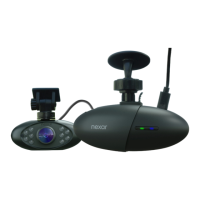
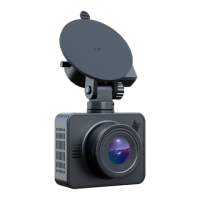
Chosen mount
Windshield
Shared car?
Make sure all drivers download the
Nexar app and pair it with the dash cam.
Get Ready to Drive - How to set up Nexar in your car
Download the Nexar app.
iPhone: nxr.cm/ios
Android: nxr.cm/android
Open the app and enable all necessary
seings when prompted.
Select your mount and follow the relevant
instructions
1.
2.
3.
4.
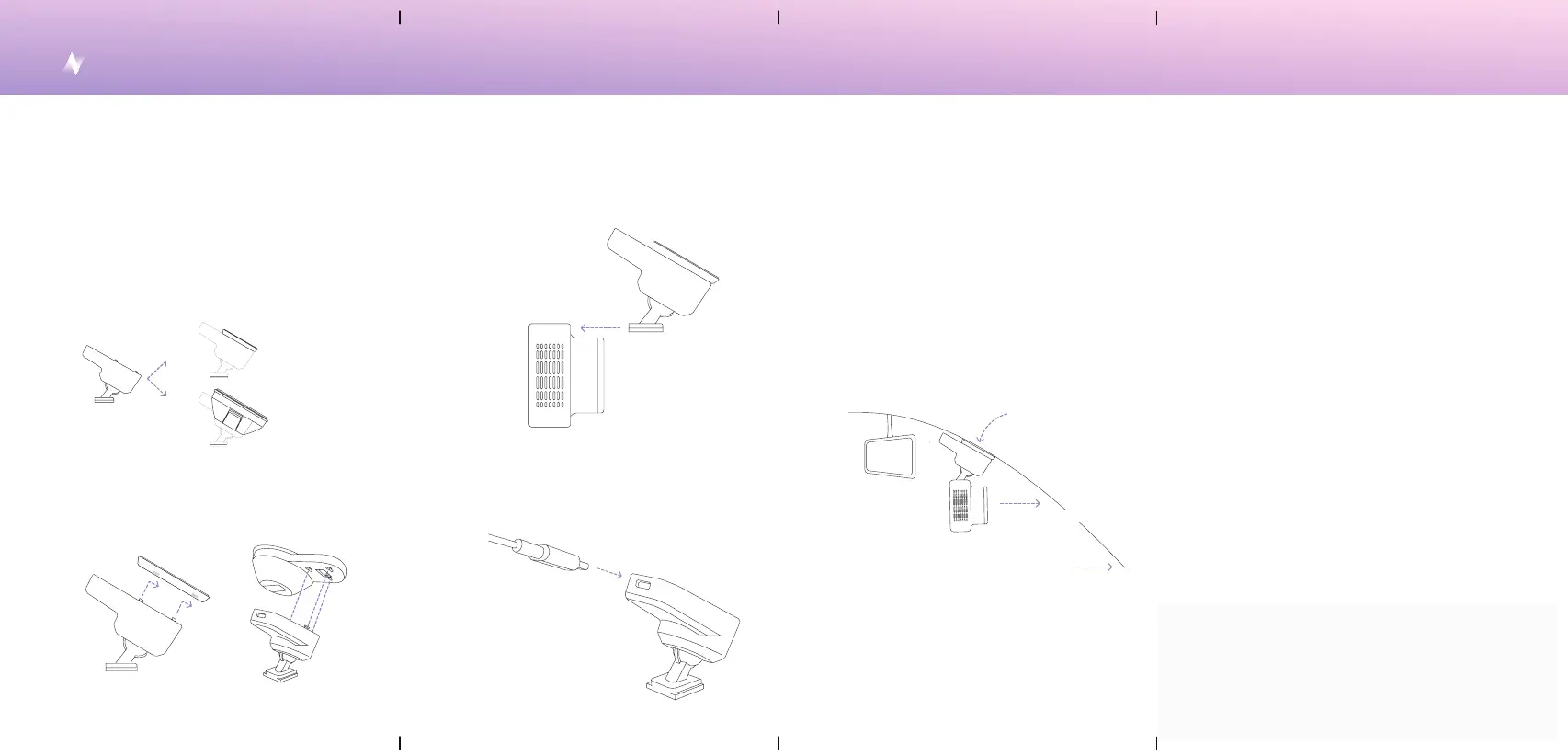
Mount the the docking base assembly by
aligning the 3-notch into the open slot at the
top of the camera. USB-C power input should
face the rear of vehicle when mounting.
Align the suction cup or the sticker disk to the
notches at the boom of the mount docking
base, then slide to secure into place.
Connect the USB-C cable provided to the base.
Sta the car. You should see a green light
indicating that the dash cam is on and a blinking
blue light indicating it is waiting to be paired
with the Nexar app.
5.
6.
Remove the sticker from the camera’s lens.
Remove adhesive backing from the selected
mount and align camera to the front of vehicle.
Mount with sticker disk: Apply pressure to
ensure adhesive aaches to the location.
8.
9.
Pick an installation area on your windshield and
make sure it’s clean. We recommend placing
the dash cam behind the rearview mirror.
7.
10.
11.
Follow the instructions in the app to pair
your phone with the dash cam. Check the
camera’s view in the app.
Mount with
sticker disk
or
Mount
docking base
Mount with
suction cup
Option a
Option a
Option b
Option b
Lens towards the road
Mount with Suction Cup: Unlock lever to
create suction, then apply preasure to the
desired location. While applying pressure,
lock the lever to secure mounting to the
location.


 To Next Page