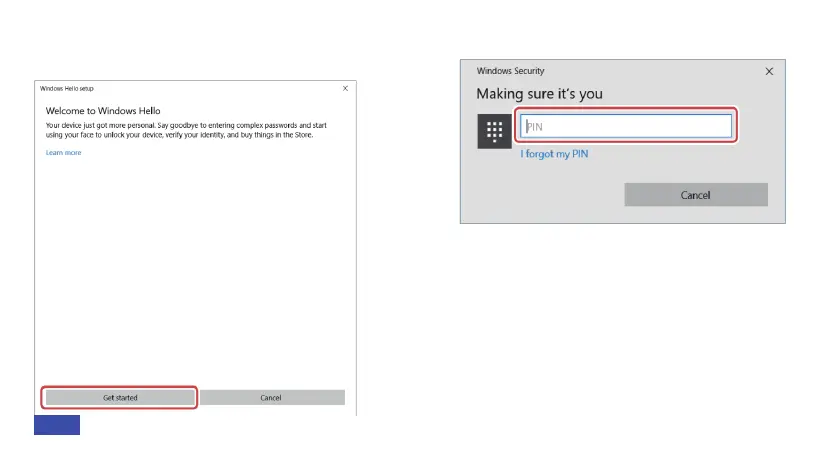
Step 3: Click on Get Started to start the facial
recognition setup.
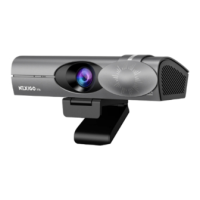
Step 5: Look straight into the camera while
it scans your face.
Step 6: Click Improve recognition to allow
for additional scans, or Close to finish the
setup process. If you wear glasses, hats, or
other accessories that may change your
appearance, we recommend that you scan
Step 4: Enter your PIN.
15EN


 To Next Page