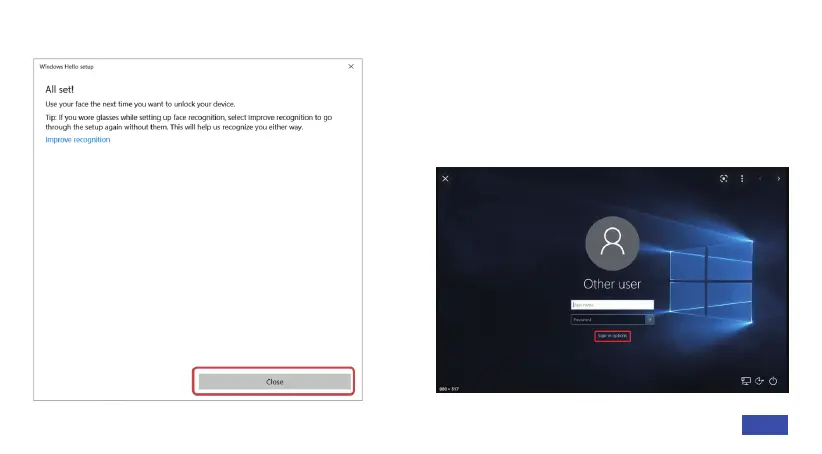
your face with and without them on. Step 7: The next time you log in to Windows,
the system will attempt to use the Windows
Hello feature and the webcam to unlock the
system. If this does not happen, please
change the Sign-in options to Window Hello
Face.
16EN



 To Next Page