VERSION
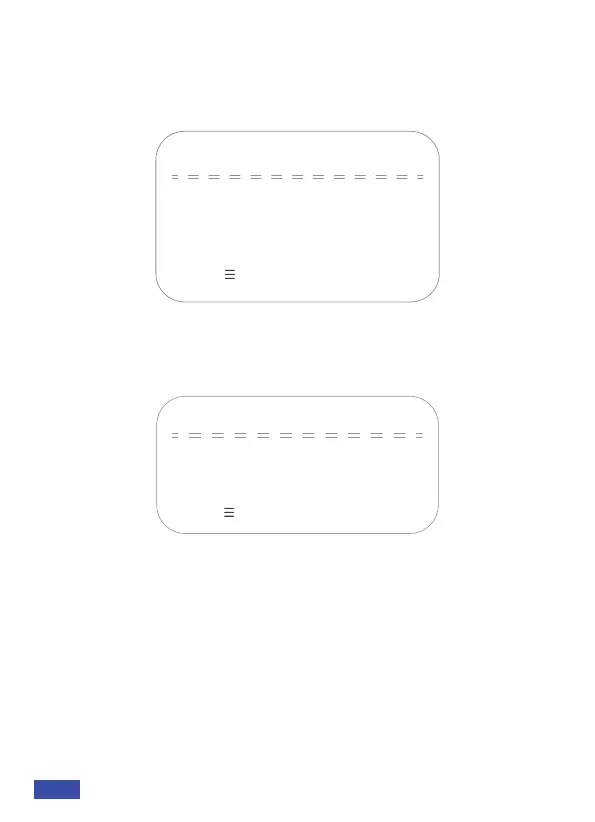
Firmware Version
Please visit nexigo.com/N970Pfw to
check firmware updates.
1.0.4 2022-02-25
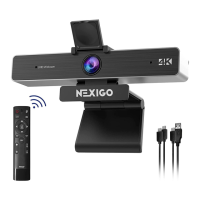
Restore Factory Settings: Restore the camera to its default factory
settings.
RESTORE DEFAULT
→Restore Default?
[↑↓]Select [← →]Change Value
NO
6. Version
Move the pointer to the (Version) in the Main menu, click the OK
button and enter the (Version menu) as shown below to check the
current firmware version.
7. Restore Default
Move the pointer to the (Restore Default) in the Main menu, click the
OK button and enter the (Restore Default menu) as shown below:
[Menu ] Return
[Menu ] Return
US 01EN 13


 To Next Page