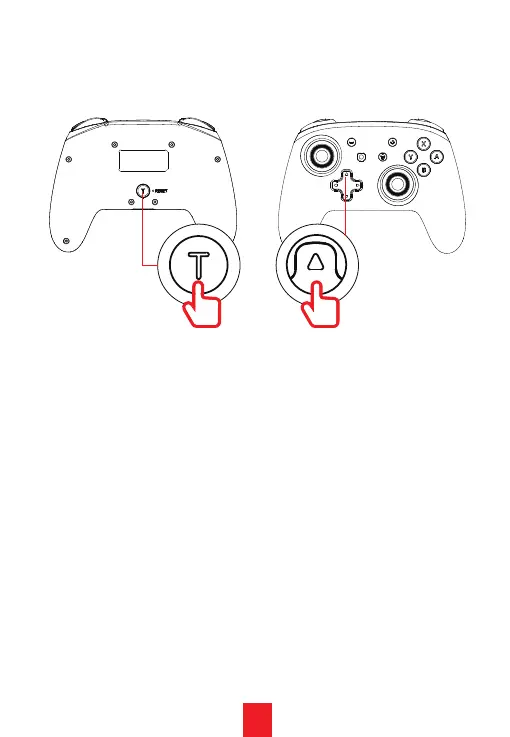
2. Press the Turbo button and the Up key at the same
time to increase the haptic feedback Vibration
strength.
3. The controller motor vibration has four adjustment
levels:
4. After choosing a vibration level the motor will
vibrate at the chosen level for 0.5 seconds to indicate
that choice.
a. 0% - Turns the vibration motors off completely.
This can also be done in settngs for many games.
b. 30% - The lightest setting. This provides minimal
feedback.
c. 75% - The default setting. This setting provides
noticeable feedback.
d.
100% - The maximum setting. This setting
provides significant feedback.
+
19


 To Next Page