3 — Nexsan E-Series E48/E60/E48X/E60X Quick Start Guide
Nexsan storage systems are heavy and require two people to lift and slide onto the mounting
rails. Do NOT attempt to mount the system onto the rails by yourself.
When removing the system from the packaging, DO NOT lift the enclosure by any plastic parts
or module handles on the chassis. Lift the enclosure ONLY by the bottom edges of the chassis.
5
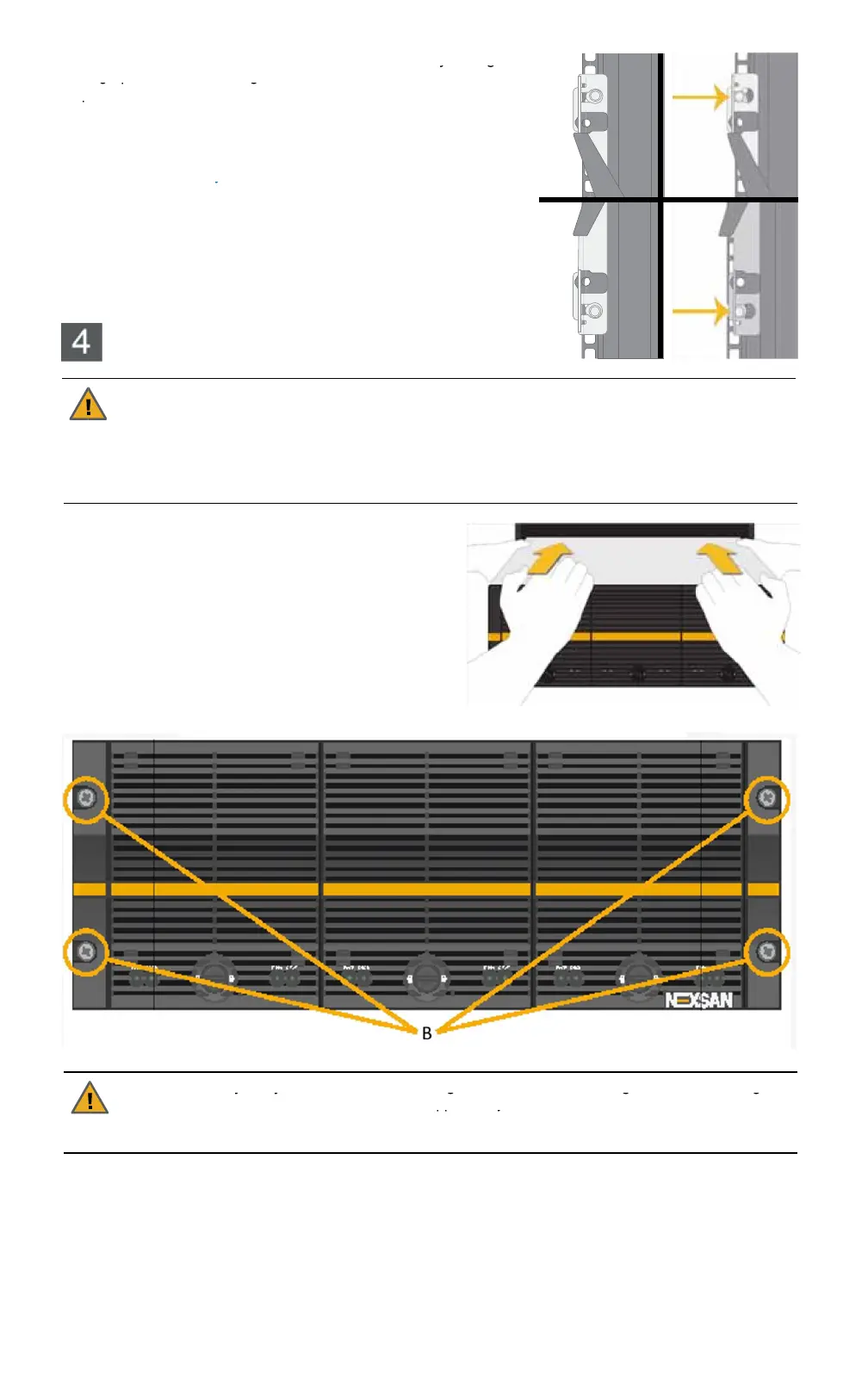
Attach the front slide of the left rail to the rack nuts by sliding the
large part of the mounting hole over the rack nut and then
pressing outward to seat the nut in the small part of the mounting
hole.
6
Repeat Step 5 for the rear of the left rail.
7
Repeat Step 5 and Step 6 for the right rail.
NOTE:
The rails may seem loose before the enclosure is
mounted on them. This is normal. Once the enclosure is on the
rails, the rails are stabilized by the enclosure.
Mounting the enclosure on a rack
CAUTION:
1
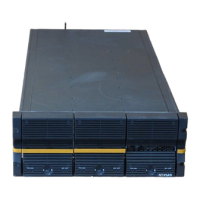
With the help of a second person, carefully lift
the enclosure and slide it onto the mounting rails so
that the mounting ears sit against the rack face.
2
Using the bolts supplied, tightly bolt the front of the
enclosure to the rack.
CAUTION:
Always fully secure all rack-mounting hardware when installing the Nexsan storage
enclosure in a rack. Insufficient rack-mount support may allow the enclosure to fall onto other rack-
mounted hardware or onto the floor, potentially damaging equipment or causing injury to nearby
personnel.


 To Next Page