~ 4 ~ ~ 5 ~
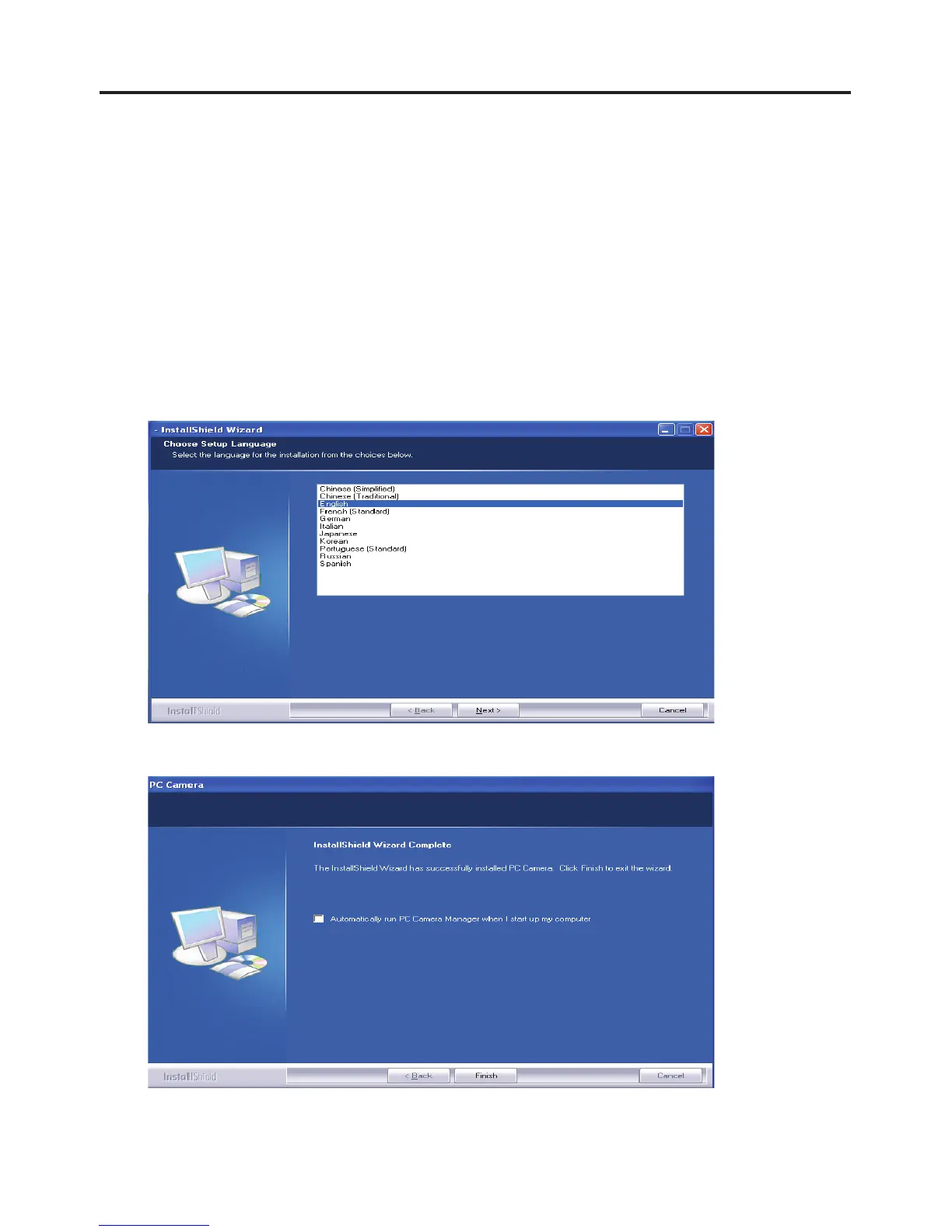
1. Turn on the computer and connect the webcam to the
computer’s USB port. Once the computer locates the
device, insert the installation CD into the CD-Rom drive.
The language setup will appear as shown below on your
screen. Select if not already highlighted.
Note:
For MAC computers, simply connect the webcam to your
computer. The system will guide you through the setup.
Click “



 To Next Page