BASIC OPERATIONS
1. Turning Your Radio On/Off
Press and hold the button to turn your radio ON/OFF.
2. Transmit and Receive
(1) To make a call, press and hold the button, then speak into the microphone using normal speaking
voice. Hold the microphone approximately 1.5 inches (3 to 4 cm) from your lips.
(2) Release the PTT button to receive.
(3) If you set a CTCSS/DCS Code in the radio, you can receive ONLY when the CTCSS/DCS Code is SAME for the
radios.
3. Adjusting The Volume
Adjust the volume by pressing the and buttons
4. Channel Selection
Select your desired radio channel by pressing the and buttons
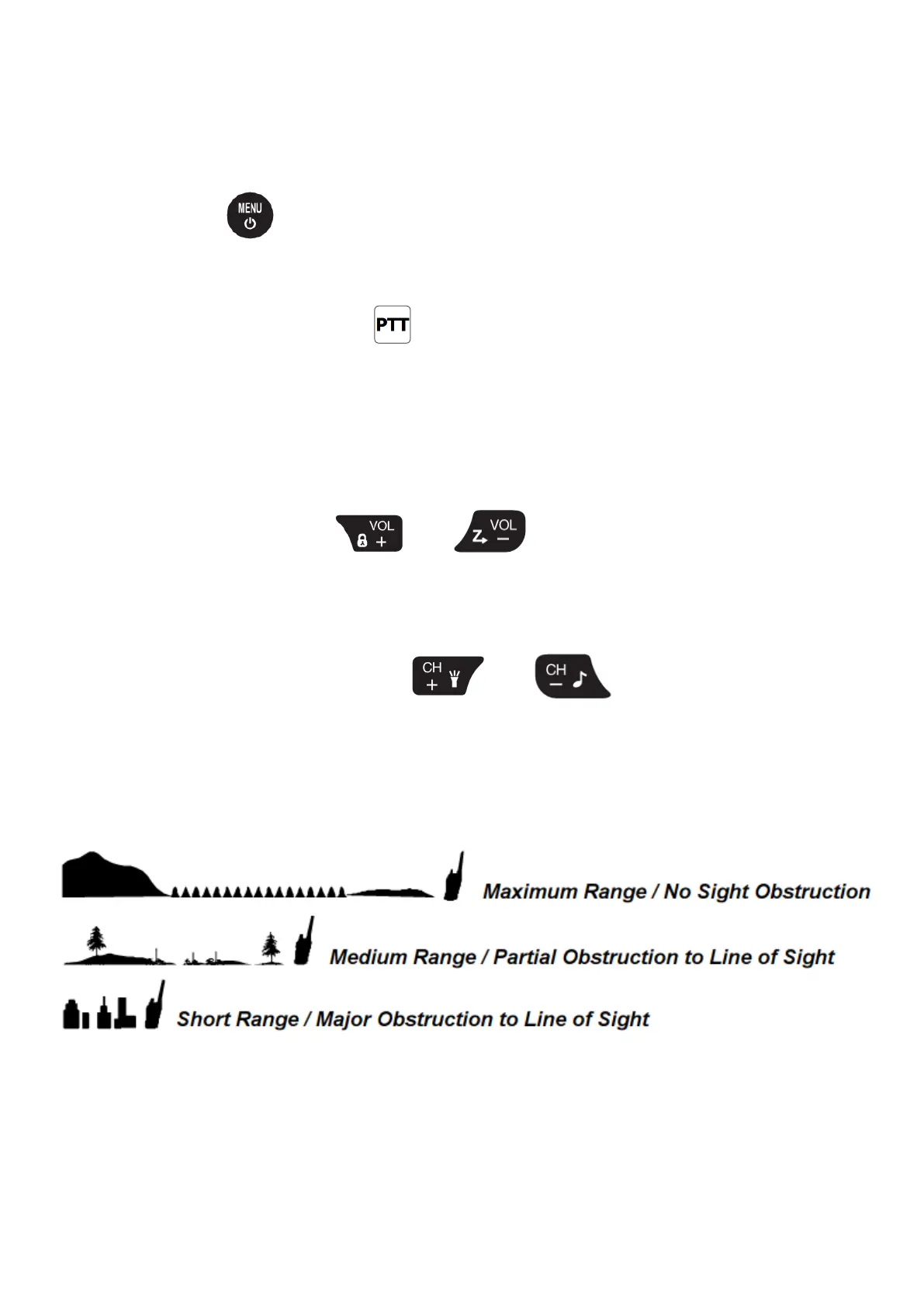
ABOUT RANGE
Your radios are designed to give you maximum range under optimum conditions.
Optimum Conditions are:
- Over water
- Open rural areas without obstructions
- Flat areas where you can see the other person
To ensure you get maximum range:
- Be sure to use fresh or fully charged batteries - low batteries will cause low power conditions.
- Be sure to set your radio to use High power (Po : HI).


 To Next Page