3
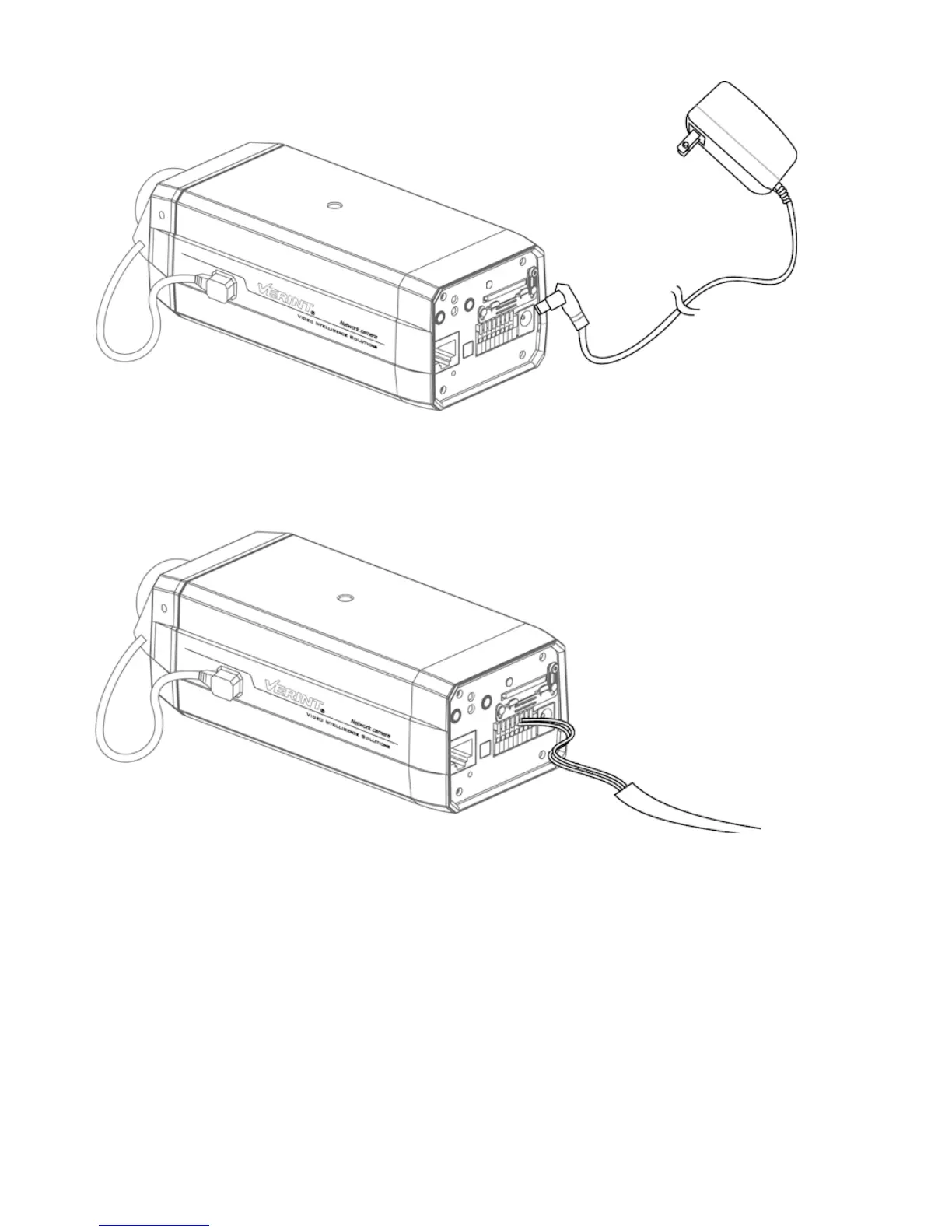
► To use a 12V DC power supply:
1. Connect the power supply cable to the camera.
2. Plug an Ethernet cable into the RJ-45 connector on the back of the IP camera.
3. Plug the power supply cable to the power outlet.
► To use a 24V AC power supply:
1. Connect the wires from the power supply cable to the 24V AC connector.
2. Plug an Ethernet cable into the RJ-45 connector on the back of the IP camera.
3. Plug the power supply cable to the power outlet.



 To Next Page