4
Adjusting the Field of View and Focus
Based on the live image retrieved from the IP camera, you can adjust the field of view and focus.
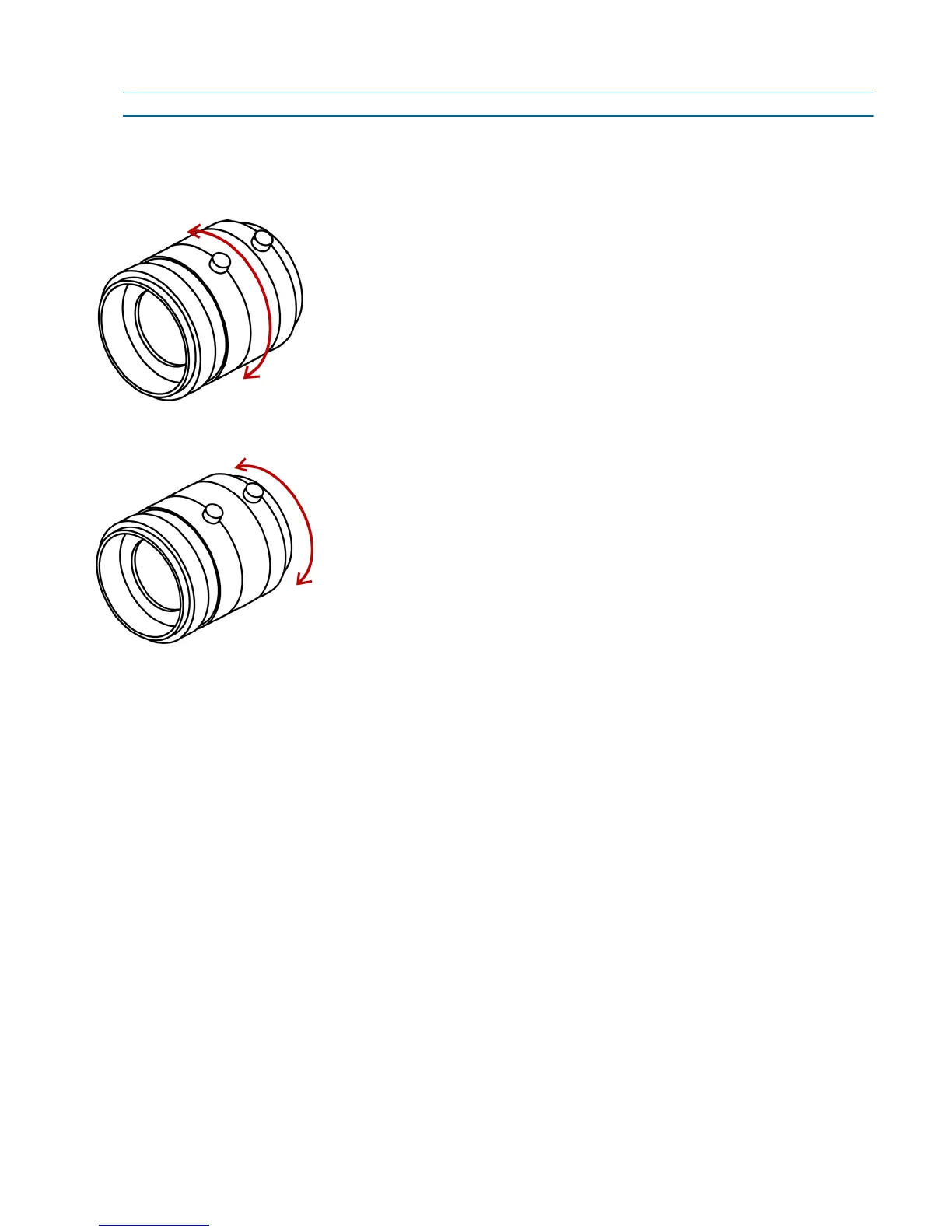
NOTE: The position of the zoom and focus controllers varies depending on the lens manufacturer.
► To adjust the lens zoom factor and focus range:
1. Connect the 1/8in (3.5mm) jack from the Video to BNC connector to the A/V out connector.
2. Connect the BNC connector to a CCTV test monitor.
3. Turn the zoom controller to adjust the zoom factor.
4. While viewing the image on the CCTV test monitor, turn the focus controller to adjust the focus range.



 To Next Page