10
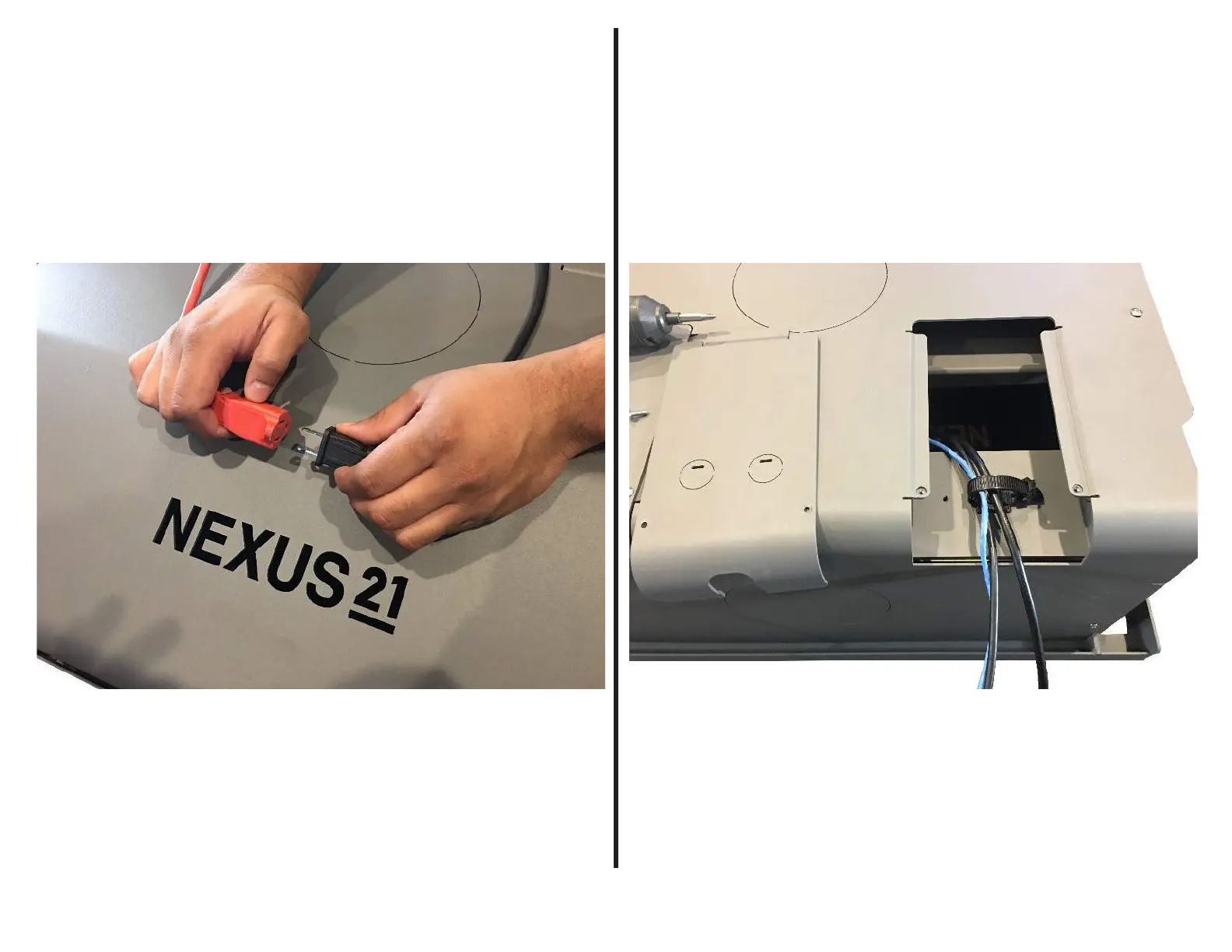
Step 1: Connect the Power Cord for the system to an outlet located above
the Installation Bracket.
Step 2: Remove the cover shown in the image above by removing both of
the Phillips Screws, then pass all AV, Integration, and Power Cables for both
the Projector and Lift System through the Cable Tie.



 To Next Page