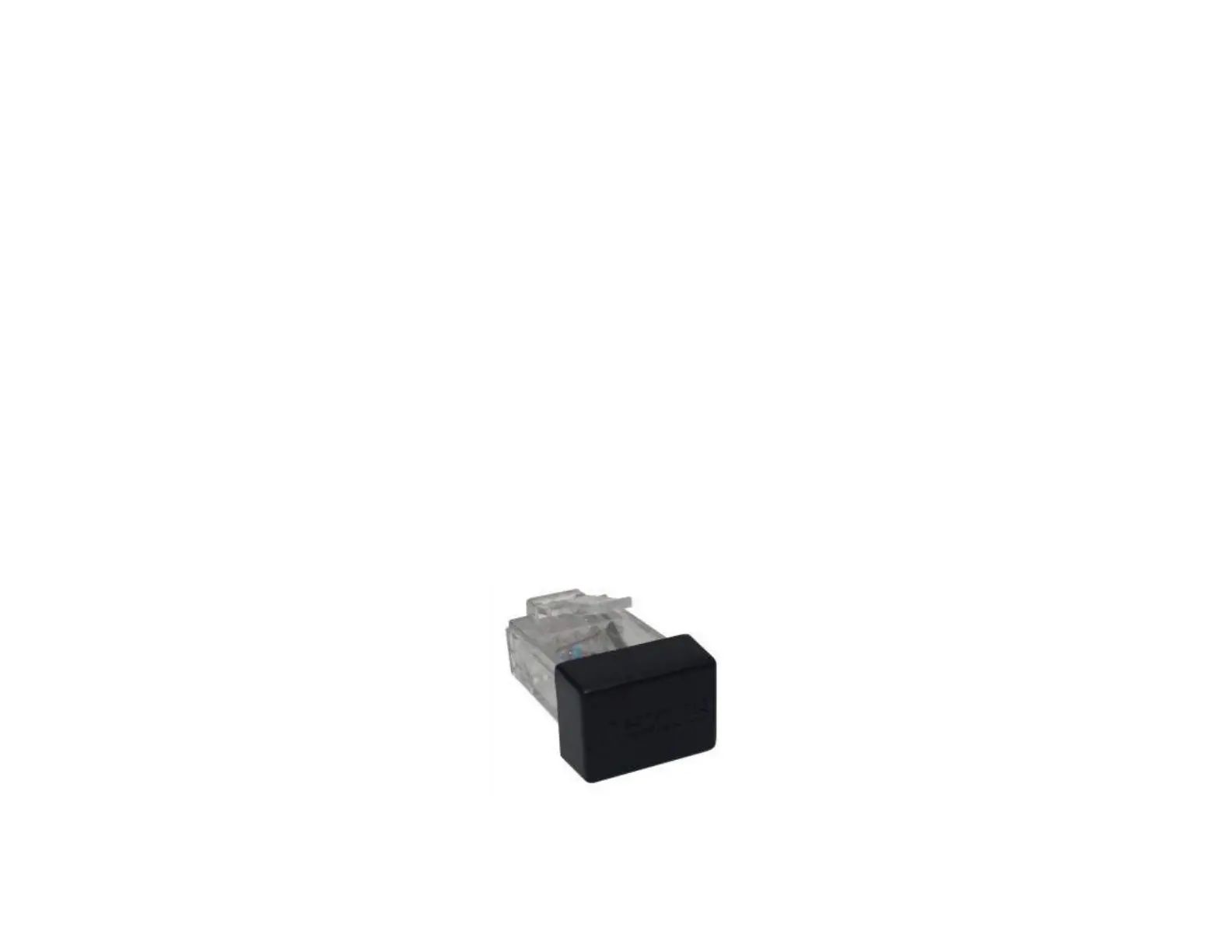
Setting a Travel Limit
The E-550 System has 10” of travel [extension, drop, or stroke], if your installation requires less than the maximum travel of the system,
follow the steps below to limit it:
1. Tap the EXTEND button to drop the Projector down to your desired position.
2. Tap the RETRACT button to stop the system once it reaches your desired position.
3. Plug the Travel Limiter into an available RJ45/Phone port on either the Control Box or RF Receiver.
Note: If you are using Contact Closure or IR, you can disconnect the Wired Backup Switch and place the Travel Limiter in its
place.
4. Fully retract the system by pressing the RETRACT button then extend it again to test the position.
About Upper Limits:
The Upper Limit for the E-550 is mechanically limited to a maximum of 1.25” via the Fine Adjustment Screws. If you are having an issue
where further adjustment is required, contact Technical Support at 480-306-5462 for assistance.
28



 To Next Page