16
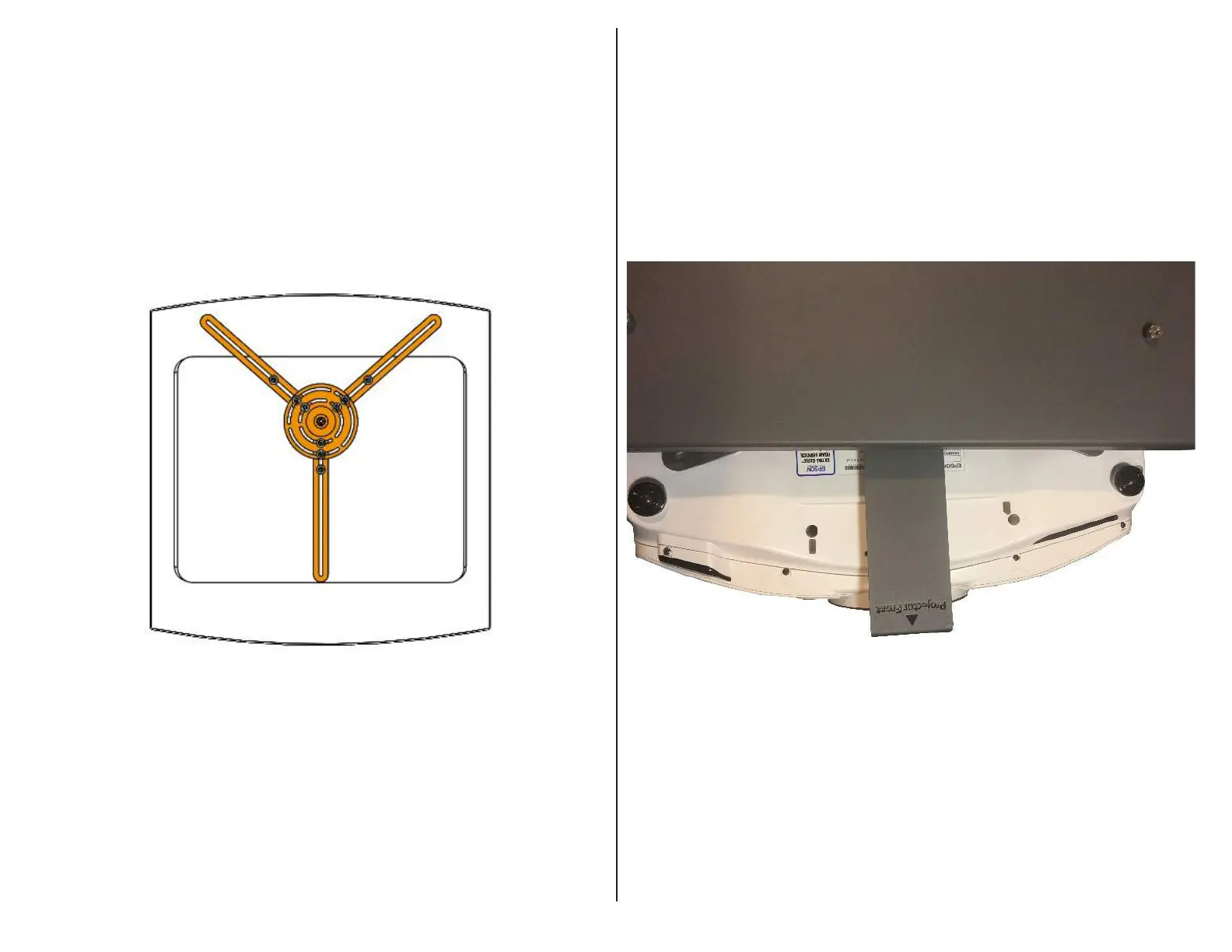
Step 7: Remove the M8 Nyloc Nut and Flat Washer from the Adjustment
Bracket, center the Mounting Bracket on the Projector and fasten it using the
required mounting hardware specified by the Projector Manufacturer.
Important Note: Due to the large variety of Projectors, we are unable
to provide the hardware required to mount the Projector to the Mounting
Bracket. Contact the Projector manufacturer or reference the User Guide for
screw sizing.
Step 8: Slide the Adjustment Bracket onto the Mounting Bracket stud so that
the front of the Projector sits behind the flange, then fasten the two together
using the previously removed M8 Nyloc Nut and Flat Washer and the
provided Wrench.



 To Next Page