WSI-box English
5
and parallel with the Wind transducer to obtain maximum radio
signal.
2.2 Installing the WSI-box
Remove the WSI-box cover from the base plate by removing the
screw. Drill the 3 screw holes using a 2.8 mm (0.11") drill. Mount
the WSI-box using the 3 mounting screws.
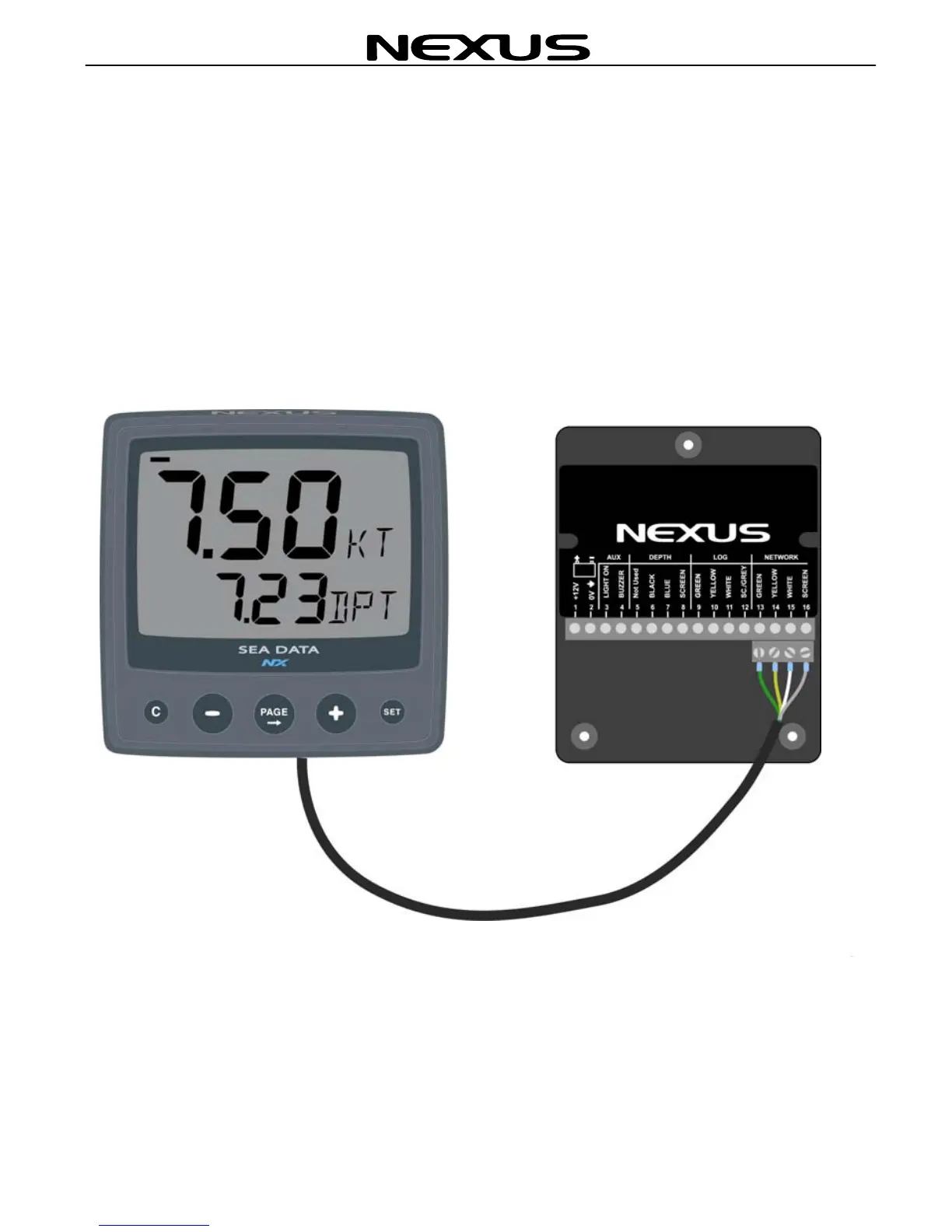
Apply silicon paste on the screw terminal. Connect the 8 m Nexus
Network cable supplied with cable protectors to the WSI-box on
pins 13, 14, 15, and 16. Match the colour codes for each wire.
Note: If the cable must be cut, it is recommended it is cut at the
unmarked cable end, since a marked cable is easier to identify.
When all connections are made, use the cable straps as required.
Mount the WSI-box cover using the mounting screws.
Your WSI-box installation is done!



 To Next Page