2
CONTROL BUTTONS
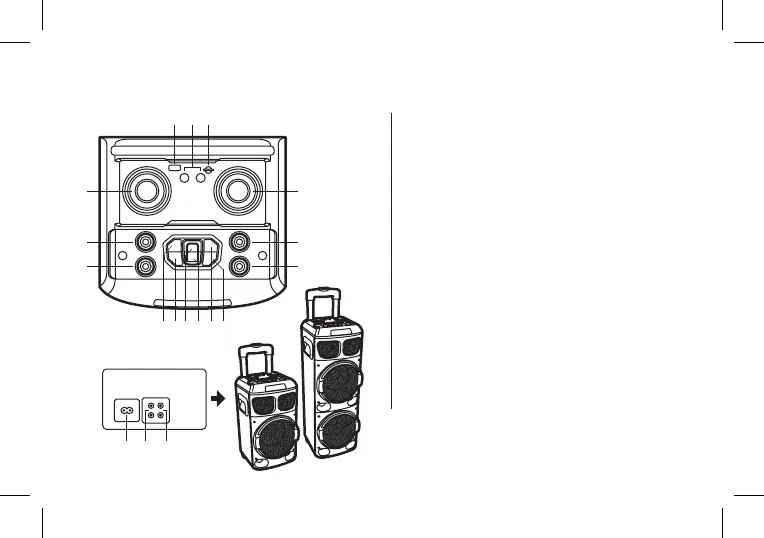
TOP PANEL DESCRIPTION
1
2
3
4
5
6
7
8
9
USB input
Microphone input / Guitar input
SD card input
Microphone volume
Control the microphone volume in all modes, from CV00
to CV16. In TWS mode, this function is not available.
Volume +/–
Control volume in all modes, from VL00 to VL32
Treble +/–
Adjust the treble, from –9 to 9
Bass +/–
Adjust the bass, from –9 to 9
Pevious
In USB / SD / Bluetooth modes, tap to skip back to the
previous song
Equaliser / Mega Bass
Tap the equaliser to browse through different styles of
music: NOR, rock, jazz, classical, pop, country
Press and hold: Select on / off for mega bass function
6
4
14
5
7 15
1
119 10 128 13
32
16 17 18


 To Next Page