9
EN
PACKAGE CONTENTS
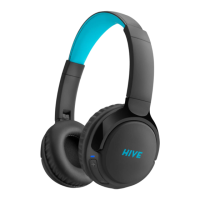
Wireless headphones
Charging USB-C
Audio cable jack 3.5 mm -> USB-C
Directions for use
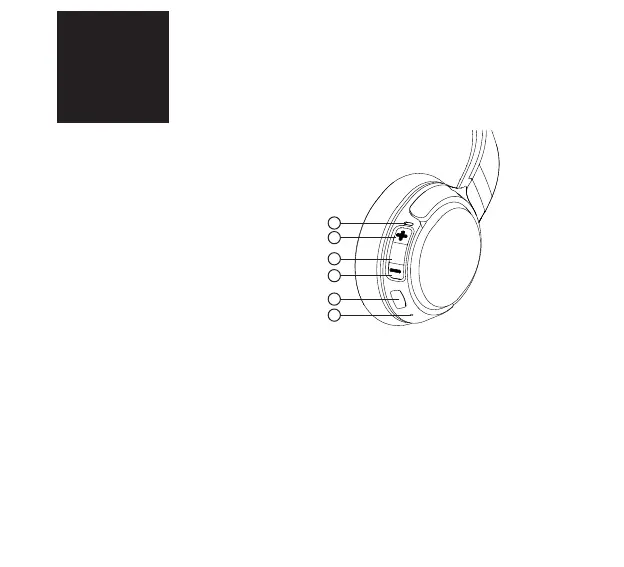
PRODUCT DESCRIPTION
1. LED indicator
2. Increase volume/Next track
3. Multifunctional button
4. Decrease volume/Last track
5. Charging micro USB port / AUX input
6. Microphone
POWERING ON THE HEADPHONES AND CONNECTING TO BLUETOOTH
1. Press and hold the multifunctional button (3) until the LED indicator (1) starts to ash
blue-red and the audio signal has sounded. The headphones are now in pairing mode.
2. Activate Bluetooth on your device and select “Niceboy HIVE 3 prodigy” from the list of avai-
lable devices. Your device will connect to the headphones. Once the pairing is successful, it
will be announced by an audible queue and the LED indicator will begin to ash blue slowly.
1
2
3
4
5
6


 To Next Page