8
EN
PACKAGE CONTENT
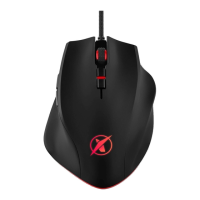
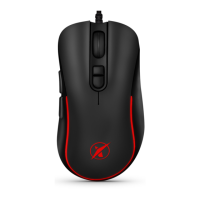
Mouse Niceboy ORYX M410 GRAVITY
Manual
SYSTEM REQUIREMENTS
Windows 7/Win8/Win8.1/Win10
30 MB of free space
OVERVIEW
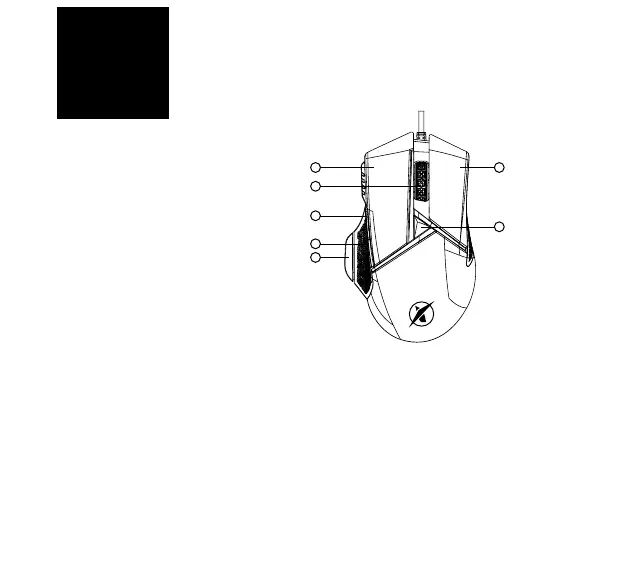
1. Left button
2. Right button
3. Scrolling wheel
4. Fordward
5. Backward
6. Increasing DPI
7. Fire key
CONNECTION
After unpacking, simply connect the mouse to the computer using the USB connector. If the
mouse is not recognized, check that the USB driver on your computer is up to date. For more
functions, we recommend downloading our software Niceboy ORYX M410 GRAVITY from the
website https://niceboy.cz/podpora/software
7
1 2
6
3
4
5



 To Next Page