13
power supply (it lights up red when recording video and connected to
the power supply.
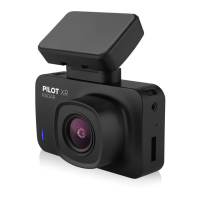
9. SDslot – serves for inserting a memory card.
10.Loudspeaker
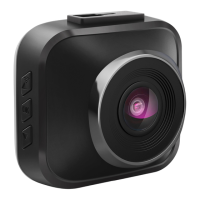
11.Lens
12.Resetbutton – used to reset the camera
CAMERA MENU LANGUAGE SETTINGS
Connect the camera without the memory card inserted to the power
supply. The camera will start automatically, then press the Menu button
twice briey (2) and use the menu navigation button (3) to go to the „Lan-
guage“ item, conrm with the OK button (4), here choose your preferred
language and conrm with the OK button (4 ).
VIDEO SETUP
Playback: switches the camera to playback mode for recorded videos.
Videoresolution: set the resolution of the recorded video.
Videoloop: sets cyclical recording, i.e. time periods in which videos will
be recorded. When the memory card is full, the oldest recordings (except
videos taken in emergency recording) start to be overwritten.
WDR: turns on/o the function to improve the dynamic range (suitable for
contrasting scenes or recording at night).
Exposure: exposure compensation setting.
Audiorecording: turns on/o the camera microphone.
G-Sensor: setting the intensity of the G-Sensor. The G-Sensor detects
shocks and automatically triggers emergency recording for recorded video.
Timestamp: turns on/o the embedding of date and time information into
the video.
PHOTO SETUP
Capturemode: set the mode for photos.
Photoresolution: set the photo resolution.
Exposure: exposure compensation setting.
Timestamp: allows you to insert date and time information into the
captured photo.
CAMERA SETTINGS
Registrationmark: allows you to set a registration mark or name to be
inserted into the video.
Date/time: set the date and time.
AutoLCD: setting to turn o the display automatically.
Language: setting the language of the camera menu.
Systemsounds: enable/disable camera system sounds.


 To Next Page
 Loading...