25
SETTINGS IN PHOTO MODE
Scanningmethod:allows you to set how the photo is created
(timer).
Resolution: sets the resolution of the photos you take.
ContinuousShot: turns the function to create several images
in a row on / o.
Quality: sets the quality of the photos you take.
Sharpness: sets the sharpness of the photos you take.
WhiteBalance: sets and adjusts the colour temperature of
the photo.
Colour:adjusts the colour rendering of the photo.
ISO:ISO value setting.
Exposure: exposure compensation settings. The higher the
positive value, the brighter the photo; the lower the negative
value, the darker the photo.
Stabilization: turns the digital image stabilization on / o.
QuickPreview: sets the preview time of the captured photo
on the camera screen.
TimeStamp: turns the option to insert date and time informa-
tion into the photo on / o.
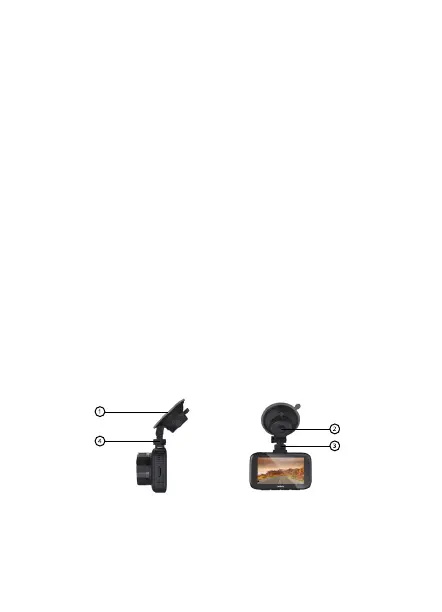
SUCTION WINDSHIELD HOLDER


 To Next Page