17
CAMERA SETTINGS USING THE APP
Audiorecording:itispossibletoturnon/othecameramicrophone
Volume: itispossibletosetthevolumeofthespeaker
Resolution: settingsforvideoresolution
Videoloop: setscyclicalrecording,i.e.timeperiodsinwhich
videoswillberecorded.Whenthememorycardis
full,theoldestrecordings(exceptvideostakenin
emergencyrecording)starttobeoverwritten.
Watermark: allowsembeddingcoordinatesandtimeinthevideo
G-Sensor: settingtheintensityoftheG-Sensor.G-Sensordetects
shocksandautomaticallystartsemergencyrecording
forrecordedvideoifacollisionisdetected
WiFname: allowsyoutochangetheWi-Finame
WiFipassword:allowsyoutochangethepassword
FWVersion: Showsthermwareversionofthecamera
Format: erasesalldataontheSDcard
Reset: clearsallcamerasettings
GPS FUNCTION AND MAP DISPLAY
ForGPSfunctions,itisnecessarytoconnectthecameraonlywithan
originalcablethathasintegratedGPS.Ifyouwanttoviewtherecord
onthemap,followtheinstructions:
1. connectthecameratothephonewiththeapplication(see
chapterConnectingthecameratothephoneusingWiFi)
2. intheapp,gotoRecordedVideos(6)andselectvideos(long
pressontheselectedvideo)todownloadtomobilephone.
Downloadthevideousingthedownloadbuttonatthebottom
oftheapplication
3. afterthedownloadiscomplete(videodownloadstatusisshown
intheapp),disconnectfromtheWiFicamerawithyourmobile
phoneandconnecttoyourWiFiwithinternetconnectionor
turnondatatransmissions
4. launchtheappagainandgotothealbumtab.Here,runthe
videoyoudownloadedandthevideowillappearalongwiththe
routeonthemaps
CONTENTS OF THE SALES PACKAGE
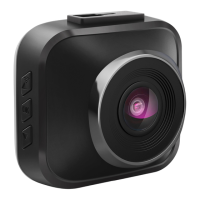
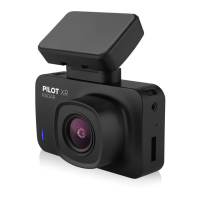
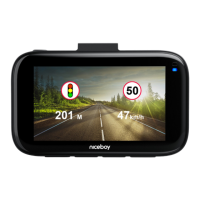
CarcameraNiceboyPILOTS5
PoweradapterwithintegratedGPS
Manual


 To Next Page
 Loading...