10
EN
PACKAGE CONTENTS
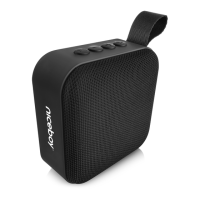
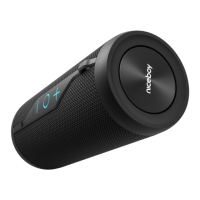
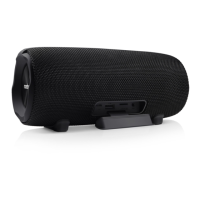
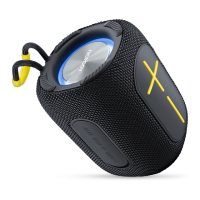
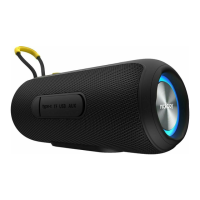
Niceboy RAZE Mini 4 wireless speaker
USB-C charging cable
Instruction manual
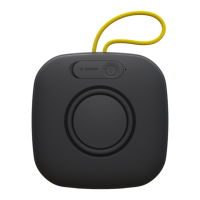
PRODUCT DESCRIPTION
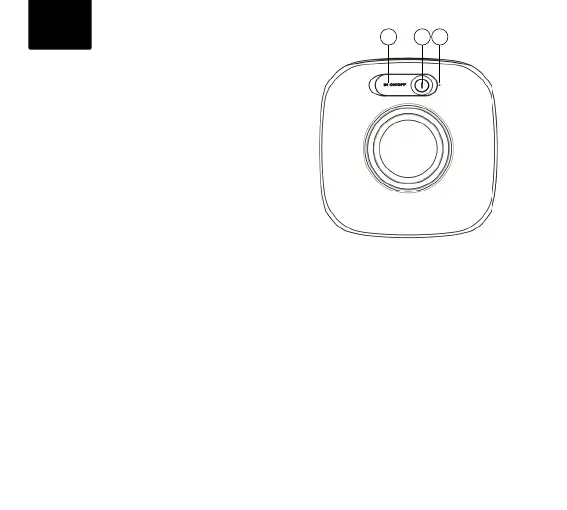
1. USB-C charging port
2. On / O Play / Pause
Answer / End / Reject call / mode switch
3. Operating LED indicator
CHARGING
We recommend that you fully charge the speaker
before using it for the rst time to maximize battery life. A full charging takes approximately
2 hours. Low battery is indicated by an audio signal. To charge the speaker‘s battery, plug the
supplied USB-C cable into the charging port (1) and connect it to any charging adapter (5 V
voltage and at least 1 A output current) or to a USB port in a PC. Charging is indicated by a red
charging LED (3); the LED turns o once the battery is fully charged.
POWER ON / OFF
To turn the speaker on or o, press and hold button (2) for 3seconds.
*If the speaker is left inactive, it will turn o automatically after 5 minutes to save power.
1 2 3



 To Next Page