9
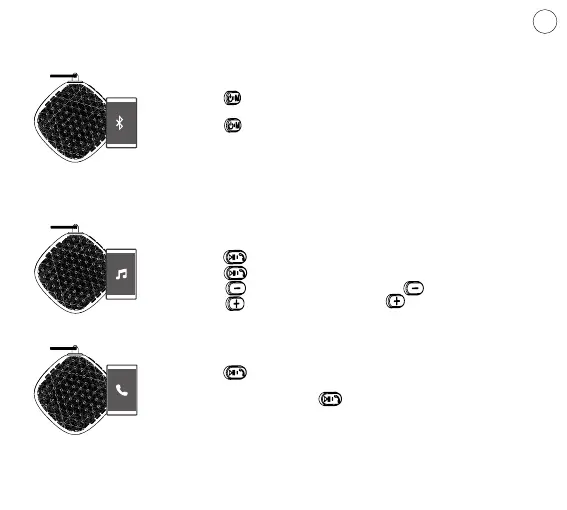
1. Bluetooth Speaker On/O
• Press for 2 seconds-power on, device will be under blue-
tooth paring mode automatically.
• Press shortly, Mode Switch: Bluetooth /TF Card Reading/
Aux-in
Indicator: Bluetooth Pairing Mode-Slow Flash Light Still
Indicator: Bluetooth paired successfully
Music Playing: Slow Flash Light
2. Music Player
• Press shortly-Pause,
• press again- Continue to play.
• Press shortly-Previous, Long Press -Volume Down.
• Press shortly-Next, Long Press -Volume Up.
3. Speakerphone
• Press shortly to take call when there have an incoming call,
pressing it again to hang up.
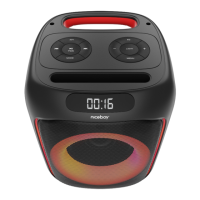
• No incoming call, press twice shortly, Niceboy SOUNDgo
will dial the last phone number automatically.
EN
OPERATION INSTRUCTION


 To Next Page