13
LED LIGHTING
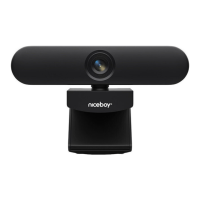
Thefrontpanellighting(7)iscontrolledbytapping
onthetopofthecamera(6).Thelightingisactive
whenthecameraisconnectedtoaPCviacable
andalsointheprogramthatwillbeusedforvideo
streaming(ie.thecameraisactivelyused).Tapthe
touch-pad(6)toactivatethepanellighting,tapagain
toincreasethelightintensity(thereareatotalof3
lightintensitiesavailable),andtapagain(fourthtime)
toturnthelighto.
Notice: if the camera is only connected to a PC, the
LED lighting is not active. It will not be activated until
the camera is used in a streaming program.
INSTALLATION
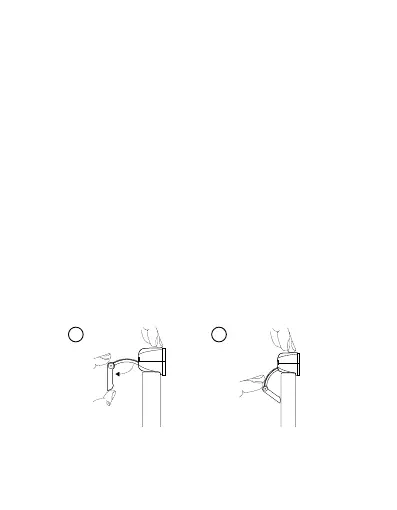
1 2



 To Next Page