16
WATCH SCREENS
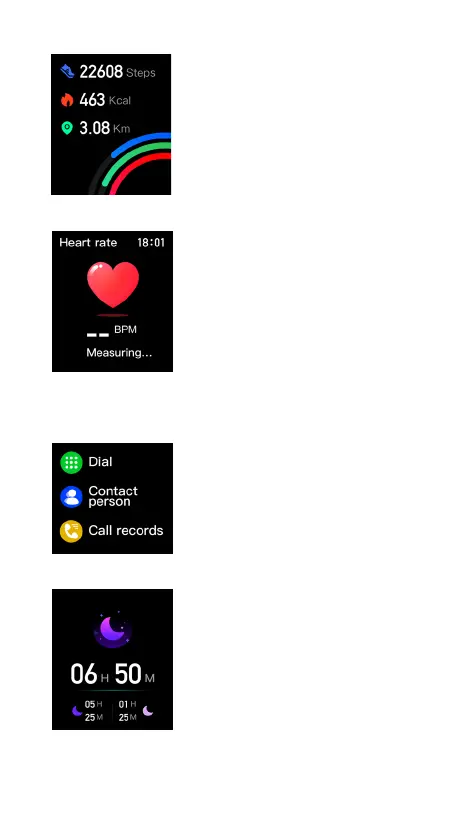
1. Steps:displayofsteps,distancetraveledandcaloriesburned
2. Heart rate:swipethescreentostartheartratemeasurement.Youcan
turnoncontinuousmonitoringinthewatchapp.
3. Telephone:afterconnectingthewatch,proceedaccordingtothechapter
CONNECTINGTHEWATCHTOAMOBILEPHONEFORBTCALLS).Themenu
allowsthedisplayofcalllogs,thedisplayoffavoritecontacts(mustbesetin
theapplication)andtheabilitytodialanumberusingthedialpad.
4. Sleep:displaysleeptime.



 To Next Page